1. Check your modem setup
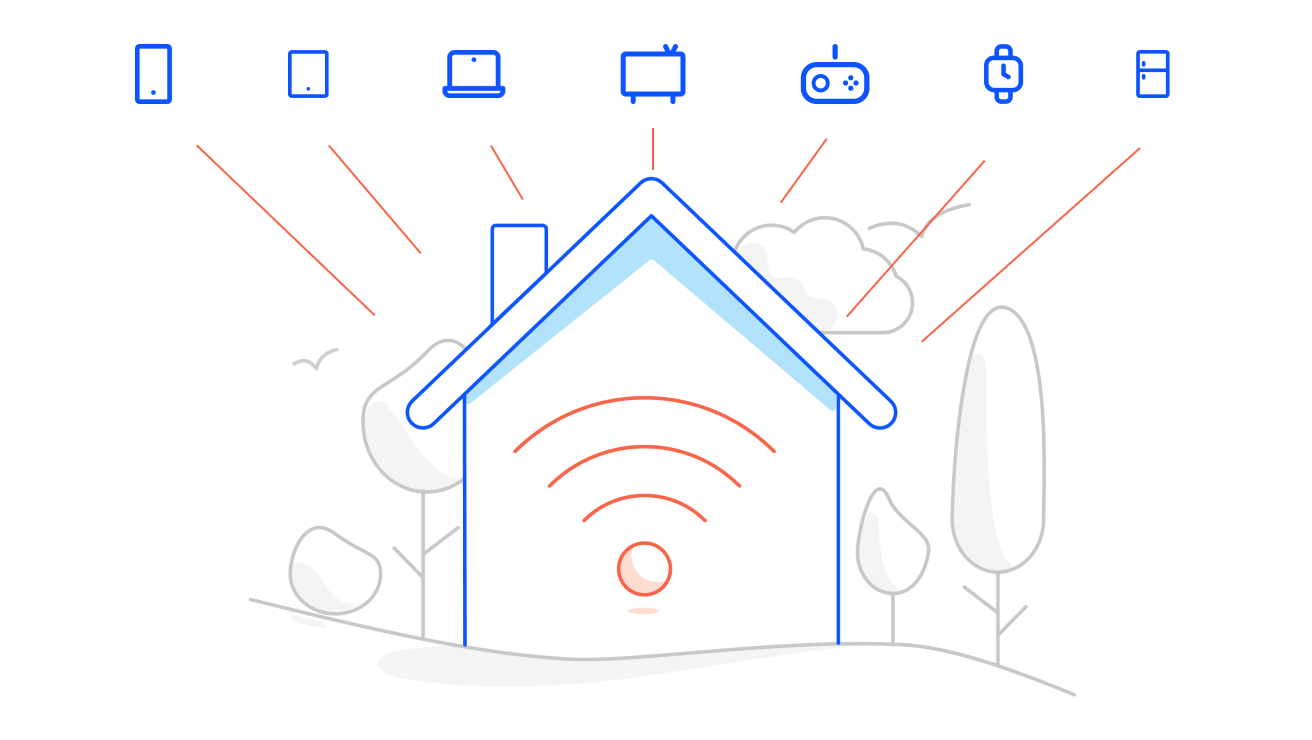
It's worth checking if your devices and modem are a good match. A modem brings the internet into your home, and the router sends it out to your devices.
Older modems and Wi-Fi standards may not be able to deliver the full speeds available on the fastest nbn® plans. Before taking up a new modem or higher speed plan, you should check if your modem and/or router is suitable for your current plan and needs.
If you are taking up a higher speed plan (where the download speeds are over 100Mbps), you should check whether you have a Cat5e or higher ethernet cable connecting your nbn box to your modem and nbn box to. If you don't have a Cat5e ethernet cable, you won't get the higher speeds. You can check this by looking at the small text written on the cable itself.
Bringing your own modem
If you’ve chosen to use your own modem, we are unlikely to know its specifications or capabilities. As a result, we won’t be able confirm whether your modem is able to support the full speed of your selected plan. You can check whether your modem is compatible with your chosen plan by:
- Reviewing the technical specifications of your modem.
- Consulting the modem manufacturer’s website or user manual.
- Contacting your us for guidance on the minimum requirements for modem compatibility.
Your choice of modem or router, and how you set it up within your premises, could limit you from utilising the maximum speeds of your broadband plan.
If you are taking up a higher speed plan (where download speeds are over 100Mbps), you should check whether you have a Cat 5e or higher ethernet cable connecting your nbn box to your modem and nbn box to. If you don't have a Cat 5e ethernet cable, you won't get the higher speeds. You can check this by looking at the small text written on the cable itself.
To get the best performance
- Match your devices and modem to the same Wi-Fi generation.
- Check the specifications of your tech and if required, replace old tech that may not support modern networks.
- Having many connected devices downloading, streaming, or gaming at once could also affect your internet performance. You could consider whether your current modem or plan is still right for your needs.
If you are taking up a higher speed plan (where download speeds are over 100Mbps), you should check whether you have a Cat 5e or higher ethernet cable connecting your nbn box to your modem and nbn box to. If you don't have a Cat 5e ethernet cable, you won't get the higher speeds. You can check this by looking at the small text written on the cable itself.
For help with your modem or internet connection, visit our Help page for troubleshooting guides and support.
Explore home internet plans
nbn® Key Facts (PDF, 82KB)
2. Upgrade your wiring
Ethernet cabling
Install ethernet cabling to give your home more reliable access points as it's a great way to future-proof your setup.
- Upgrade to Category 6 or better ethernet cables to make your connection faster and more stable.
- Ethernet usually beats Wi-Fi for reliability.
- Replace worn-out cables that may slow things down.
In home wiring
A strong internet connection depends on quality wiring. If you’re renovating or building, 'in-wall' cabling is wiring that’s installed inside the walls of your home. It’s a clean, long-term solution that can improve both performance and appearance. Not building? A licensed technician can check your current setup and recommend upgrades.
3. Consider upgrading your nbn connection to FTTP
There are different nbn technology types, and depending on the one you have, it can also affect performance. Fibre to the Premises (FTTP) is a faster and more reliable option, as it is able to deliver higher speeds than other technologies. What's more, nbn has just upgraded this and other fibre technologies to faster speeds. That means many homes are now eligible to upgrade to FTTP.
Check your eligibility here
Our future-ready modem
The Telstra Smart Modem 4 is our most powerful modem yet, with next generation Wi-Fi 7 technology that lets you stream, game and work at life speed – even in the most crowded home networks. It’s like future-proofing for your internet. Some of its features include:
- Better Wi-Fi coverage throughout your home.
- Next-gen Wi-Fi 7 technology for Wi-Fi 7 devices.
- Connects over 250 devices at the same time.
- Enhanced security features.
- Intelligent Wi-Fi which sends the best frequency to each device.
Compared to our previous modem.
Got a larger home or multiple storeys? You might want to install boosters to help extend your coverage further.
Backup available with eligible plans only. Mobile coverage required. Actual speeds may be lower.