No lock-in contracts
You can switch plans month-to-month or leave any time.
Add a plan to bring calls, texts and data to your smartwatch – with or without your phone.
You can switch plans month-to-month or leave any time.
The monthly charge simply goes on your mobile bill to keep things simple.
We won’t charge you extra, but your speed will be slowed.
Get your new smartwatch sent to you with free shipping.
Earn points by paying an eligible bill to redeem on movie voucher deals, devices and more.
Eligibility criteria apply to join Telstra Plus.
Our cyber security team is constantly monitoring our network to protect your data from suspicious activity.
Choose a compatible cellular smartwatch or bring your own device. You’ll also need an eligible Telstra Upfront Mobile Plan on your account.
Follow the setup instructions for your smartwatch and pair it with your phone if required.
Select the watch plan that’s right for you, whether you want to share your phone’s number or use a dedicated number on your watch.
Get connected your way, whether that’s taking your mobile service with you on your watch or giving a family member a simple, connected device of their own.
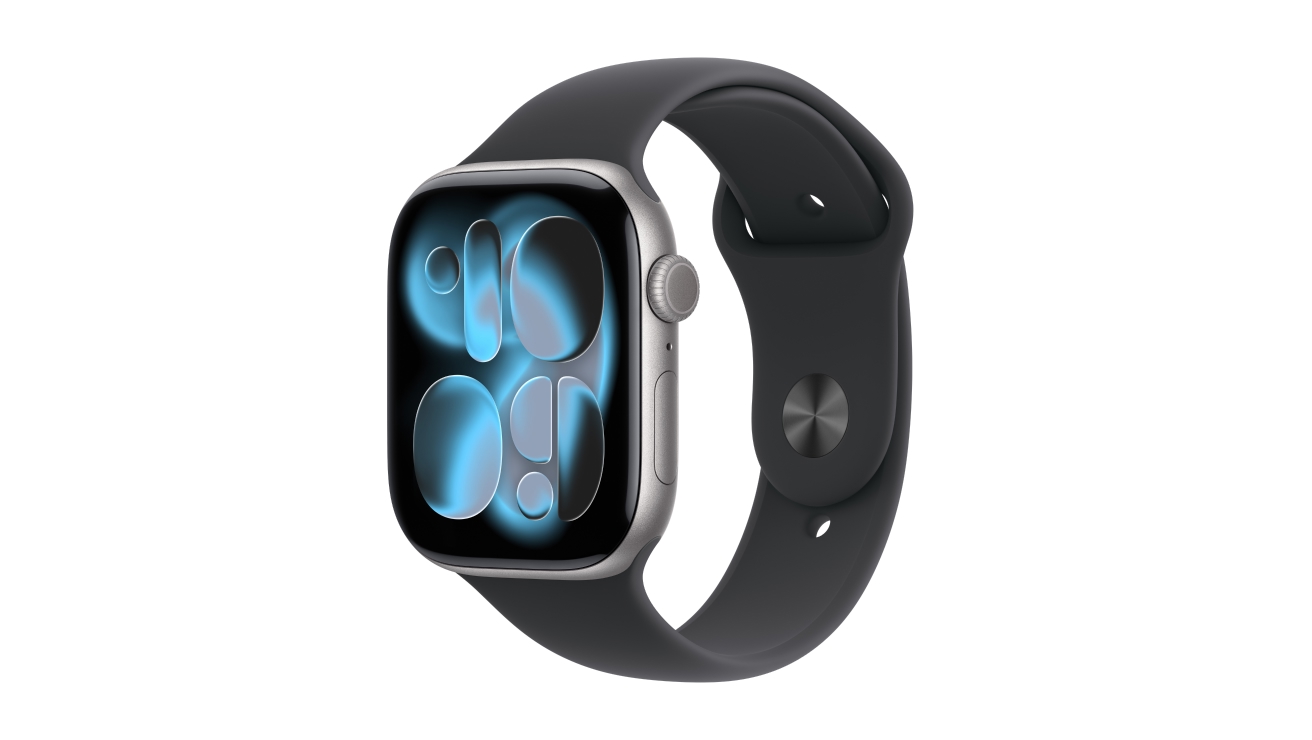
Apple’s smartwatch for iPhone users with advanced health features (vs Series 10).
From $35.37/month
Samsung’s new-look smartwatch for Android users, with improved Galaxy AI.
From $33.29/month
Google’s latest watch for Android users, powered by Gemini AI.
From $31.20/month
The Telstra One Number shares your smartphone’s mobile number with your smartwatch. It lets you make or receive calls and texts from your watch using your current mobile number.
The Telstra Watch Plan provides a smartwatch with a new, unique mobile number. That way, it can make or receive calls and texts without being linked to a phone.
Telstra One Number can be used with cellular-enabled Apple Watch, Samsung Galaxy Watch and Google Pixel Watch.
The Telstra Watch Plan is compatible with cellular-enabled Apple Watch Series 4 or later with cellular, or Apple Watch SE with cellular, with watchOS 7 or later.
If you’d like to use your smartwatch as an extension of your smartphone, go with Telstra One Number.
If you’d like to set up a smartwatch to act as a standalone device – say, for a family member who doesn’t need a full smartphone – go with the Telstra Watch Plan.
You can’t transfer from Telstra One Number to a Telstra Watch Plan as they function differently. Telstra One Number shares your phone’s number and Telstra Watch Plan provides a unique mobile number for a watch.
You’d need to cancel your current plan and then activate the new service.
Yes, you can have both a Telstra One Number and Telstra Watch Plans on your Telstra account.
You can’t switch between Telstra One Number and Telstra Watch Plans directly. You’d need to cancel your current plan and then activate the new service.
Apple Watch Series 6 or later with cellular, or Apple Watch SE with cellular, with watchOS 26.5 or later are compatible with Telstra Watch Plan.
You’ll also need an iPhone 11 or later, running iOS 14 or later, connected to a current, in-market Telstra upfront plan, for the initial watch setup process.
At the moment, Telstra Watch Plan is only compatible with Apple Watch.
Yes. Both the Telstra Watch Plan and Telstra One Number allow you to make and receive calls and texts on your compatible cellular watch when your phone isn’t nearby.
The difference is how the watch is connected:
The Telstra Watch Plan doesn’t add functionality to a watch, beyond providing a mobile number to make or receive calls and texts.
Location tracking is dependent on the watch itself and its settings. Check with its manufacturer for more info.
Yes, you can call and send messages from a watch with both Telstra One Number or a Telstra Watch Plan (when you’re connected to the mobile network).
If you want to use your own watch, with your current mobile phone number, Telstra One Number might be the option for you.
With a Telstra Watch Plan, the smartwatch will get its own unique mobile number.
Emergency SOS is a function of Apple Watch devices – it’s not tied to our plans. Learn more on the Apple website.
No, you can’t use international roaming with either Telstra One Number or Telstra Watch Plans.
View your services, pay your bill, troubleshoot tech issues, contact us via messaging and much more.
More information about Telstra's smartwatch plans can be found in our support section.
Questions about Telstra's smartwatch plans? Get in touch and we’ll help you as soon as we can.
We're here to answer your questions.