
Apple Watch SE 3
The core features without the advanced health sensors.



Apple Watch with GPS + Cellular allows messages, calls and location sharing. On their wrist, without a phone.◊Refer to legal disclaimers.
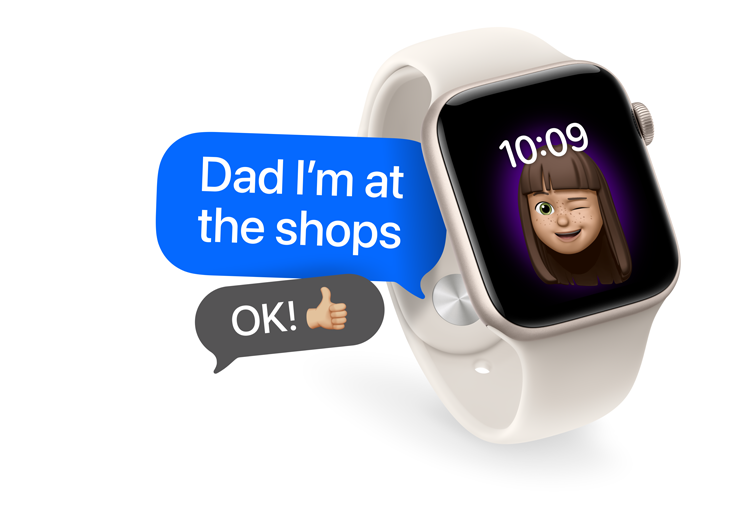
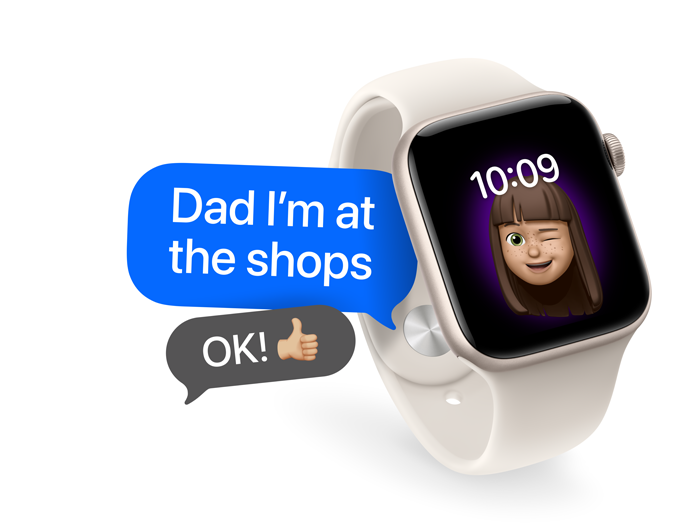
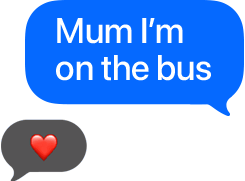
Kids can send text messages using the keyboard on their Apple Watch, or by using talk to text.◊Refer to legal disclaimers.
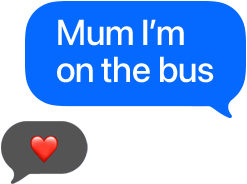
Make or receive calls from anywhere that has mobile reception.◊Refer to legal disclaimers.


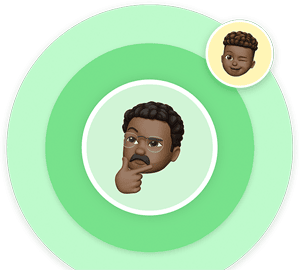
See the location of your kid’s Apple Watch by looking in the Find My app on your iPhone.
With Schooltime, notifications and apps are restricted during school hours.



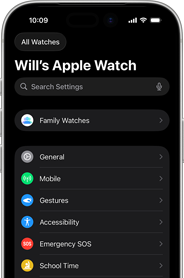
Any parent with an iPhone can set up Apple Watch For Your Kids.◊Refer to legal disclaimers.
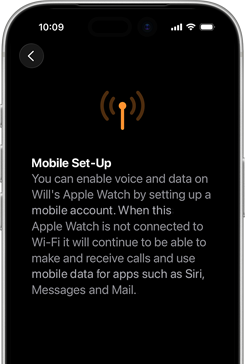
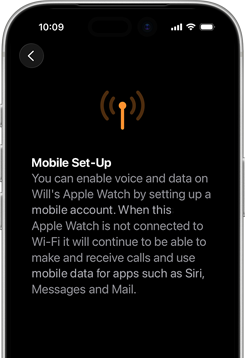
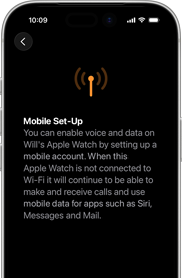
Get a Telstra Watch Plan for their watch.
Carrier
Get a Telstra Watch Plan for their watch.
Create an Apple Account for your kid.
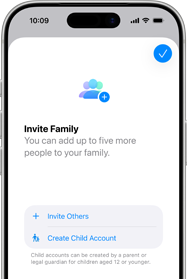
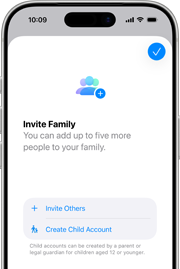
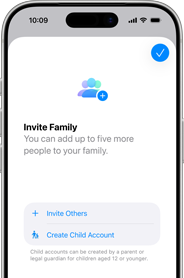
Add them as a family member.
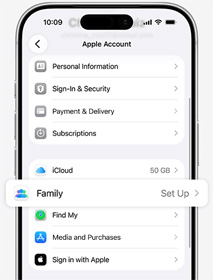
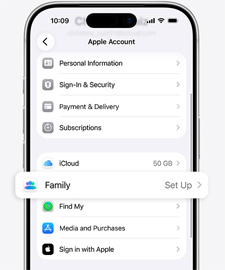
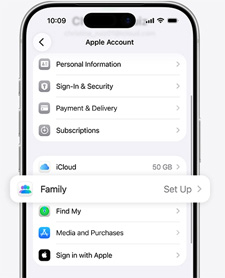
Pair their watch to your iPhone.
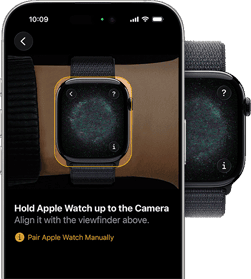
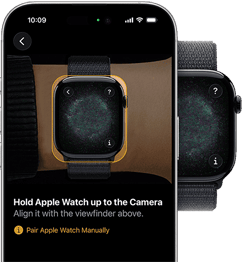
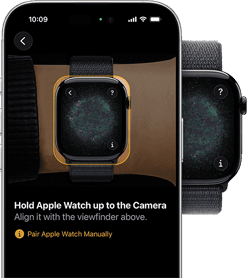
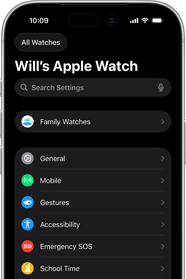
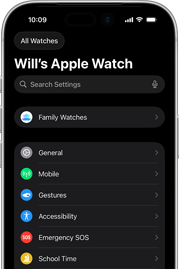
Customise and manage from your iPhone.
Watch SE 3 has an 18‑hour battery life.◊Refer to legal disclaimers. Recharge up to 2x faster with fast charging.◊Refer to legal disclaimers.



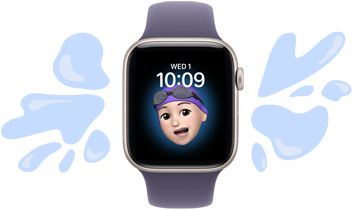
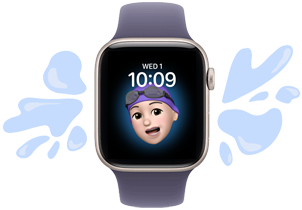
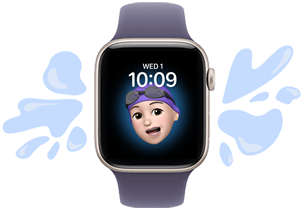
Apple Watch loves the pool as much as kids do, with a water-resistance rating of 50 metres.◊Refer to legal disclaimers.
Quickly call emergency services, which will notify anybody on their emergency contacts.◊Refer to legal disclaimers.
With the toughest glass in the smartwatch industry, Apple Watch is ready for whatever the day brings.◊Refer to legal disclaimers.



Get help locating a misplaced device with the Find My app.
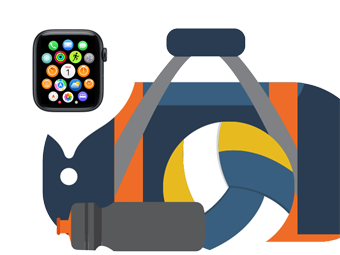
Kids can match their moods and personalities with heaps of watch faces to choose from.
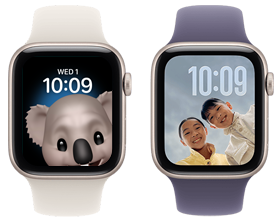
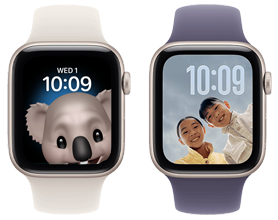
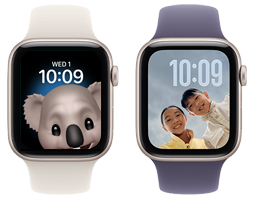

The core features without the advanced health sensors.
Health tracking and a sapphire crystal display.
Get the Apple Watch you want on 24 or 12 Month interest free repayments.
Eligibility criteria apply.
Apple Watch For Your Kids is a software feature that lets you use your iPhone to set up an Apple Watch (GPS + Cellular) for a child or family member. That means kids who don’t have their own iPhone can easily stay in touch using Apple Watch (when they’re in an area with mobile coverage). Using the Watch and Settings apps on your iPhone, you can manage settings for their Apple Watch, set approved contacts and see their location using the Find My app.
To get started with Apple Watch For Your Kids, you’ll need an Apple Watch with GPS + Cellular. An Apple Account will be used to set up your child or family member’s Apple Watch, which they can create during the setup process. An iPhone is also needed for the initial watch setup and to manage settings on their Apple Watch. Your child does not need their own iPhone — that’s the whole point. Only the parent’s iPhone is needed to set up and manage the watch. You’ll also need to have a family sharing group that includes the person who will use the Apple Watch. Check with your carrier regarding adding a carrier plan.
Cellular-enabled Apple Watch models (Series 4 or later) will work.
Yes. Telstra Watch Plan is required to connect your kid’s Apple Watch to Telstra’s mobile network, so their watch will get its own mobile number with calls, messages and data – while being managed from your iPhone.
You can manage settings on your child or family member’s Apple Watch by using the Watch app and Settings on your iPhone. You can also control who can contact your child — approve specific contacts for calls and messages, and block all others, so your child can only be reached by people you trust. Schedule Schooltime, set approved contacts for calls and texts, set limits on purchases and more. And with the Find My app, you can also view your family member’s location, set Location Notifications or locate a lost device.
Using the Find My app on the parent iPhone, you can set up Location Notifications that alert you when your child arrives at or leaves a specific location (when connected to a mobile network), like school, home, soccer practice or a friend’s house. You can manage these alerts directly from the parent iPhone.
Schooltime is a setting that restricts notifications and disables the use of all apps on your child’s Apple Watch. You can adjust the schedule for Schooltime in the Apple Watch app on your iPhone. When Schooltime is active, the watch face has a yellow circle indicating that access to apps is restricted and Do Not Disturb is turned on.
Apple Watch For Your Kids allows kids to benefit from many communication, safety and wellness features like making calls, sending texts, sharing location, using Emergency SOS, using Siri, tracking Activity Rings and much more. Some features like Apple Pay, Medications, Sleep and ECG require an iPhone and are not available for kids without an iPhone.
Instead of sharing an account with your child, which can give them unwanted access to your personal data, create an Apple Account for them. Then you can easily set age-based parental controls, and they can use Family Sharing, Messages, the App Store and other Apple services.
Yes. You can set up and manage Apple Watch For Your Kids for multiple children from a single parent iPhone. Each child will have their own Apple Account and their own approved contacts, Schooltime, schedule and settings — all managed separately through the Watch app on your iPhone. Family Sharing supports up to five family members, so you can keep the whole family connected from one place.
Currently, one parent’s iPhone is used as the primary manager of a child’s Apple Watch. However, both parents can view the child’s location through the Find My app if they are both part of the same Family Sharing group. Full management controls are tied to the account that completed the initial setup.
Family Sharing makes it easy for you and up to five other family members to share access to music, apps and other subscription purchases, all without sharing an Apple Account1Refer to disclaimers.. You can set up an Apple Account for kids, to set permissions remotely with Screen Time, and approve spending and downloads from a parent’s device with Ask to Buy.2Refer to disclaimers.
The Sport Band, Sport Loop and Solo Loop are easy to wear and great for kids with wrists of all sizes. The rubber Sport Band comes in a range of sizes with an innovative pin-and-tuck closure. The Sport Loop is soft, breathable and easy to adjust. And the Solo Loop comes in customisable sizes and offers a stretchable design without clasps that is easy to slip on and off.
As long as your child’s Apple Watch has an active carrier plan, it will work with mobile reception — at school, a friend’s house or while travelling domestically. Over Wi‑Fi, the watch can also connect when mobile reception isn’t available.
The Telstra Watch Plan is a dedicated plan for smartwatches.
It provides a dedicated mobile number for watches so they can make and receive calls and texts without needing to be tethered to a smartphone.
The Telstra Watch Plan includes unlimited standard calls and texts in Australia to standard Australian fixed and mobile numbers, as well as calls to most 11xx, 12xx, 13xx and 18xx numbers. It also includes 2GB of monthly data plus data sharing.
Data sharing creates a pool of monthly data across up to up to 20 eligible Upfront Mobile or Data Plans. You can manage this via My Telstra.
You’ll need to be a My Telstra account owner and be on a basic or higher Telstra Upfront Plan.
To check your plan details, sign in to My Telstra and go to Services.
You sign up for a Telstra Watch Plan using the Watch app on your iPhone. Head over to our Telstra Watch Plan set-up guide for detailed instructions.
Apple Watch requires iPhone 11 or later with iOS 26 or later.
Features are subject to change. Some features, applications and services may not be available in all regions or all languages. See watchOS 26 Feature Availability for a complete list.
Carrier plan required for cellular service. Contact your service provider for more details. Connection may vary based on network availability. International roaming is not supported. Check Apple Watch GPS + Cellular for participating carriers and eligibility. See Set up mobile data on Apple Watch for additional setup instructions.
Not all features will be available if the Apple Watch is set up through Apple Watch For Your Kids. Check Set up Apple Watch for a family member for details. Telstra Watch Plan required for cellular service. Explore Telstra Watch Plan. Connection may vary based on network availability.
Battery life varies by use and configuration; see Apple Watch battery for more information.
Apple Watch SE 3 and Apple Watch Series 11 have a water-resistance rating of 50 metres under ISO standard 22810:2010. This means that they may be used for shallow‑water activities like swimming in a pool or ocean. Apple Watch SE 3 and Apple Watch Series 11 should not be used for scuba diving, waterskiing or other activities involving high‑velocity water. Apple Watch Ultra 3 has a water-resistance rating of 100 metres under ISO standard 22810:2010, and may be used for high‑speed water sports and recreational scuba diving (with compatible third‑party app from the App Store) to 40 metres. It should not be used for diving below 40 metres. Water resistance is not a permanent condition and can diminish over time. For additional information, see About Apple Watch water-resistance. Apple Watch Series 8, Series 9, Series 10 and Series 11, and Apple Watch Ultra, Ultra 2 and Ultra 3 are rated IP6X dust-resistant.
Emergency SOS requires a mobile network connection or Wi-Fi calling with an internet connection from your Apple Watch or nearby iPhone. You can use cellular models of Apple Watch to make an emergency call in many locations, provided that a mobile network is available. Some mobile networks may not accept an emergency call from your Apple Watch if your Apple Watch isn’t activated, if isn’t compatible with or configured to operate on a particular mobile network, if it isn’t set up for mobile service or if the mobile network does not support emergency calling over IMS. See Use Emergency SOS on your Apple Watch and Apple Watch GPS + Cellular for more information.
Apple Watch SE 3 Ion-X glass is 4x more crack-resistant than Apple Watch SE 2. Apple Watch Series 11 with Ion-X glass has a ceramic coating that provides 2x more scratch resistance than Series 10 with Ion-X glass.
Bands for illustrative purposes only and subject to availability.

