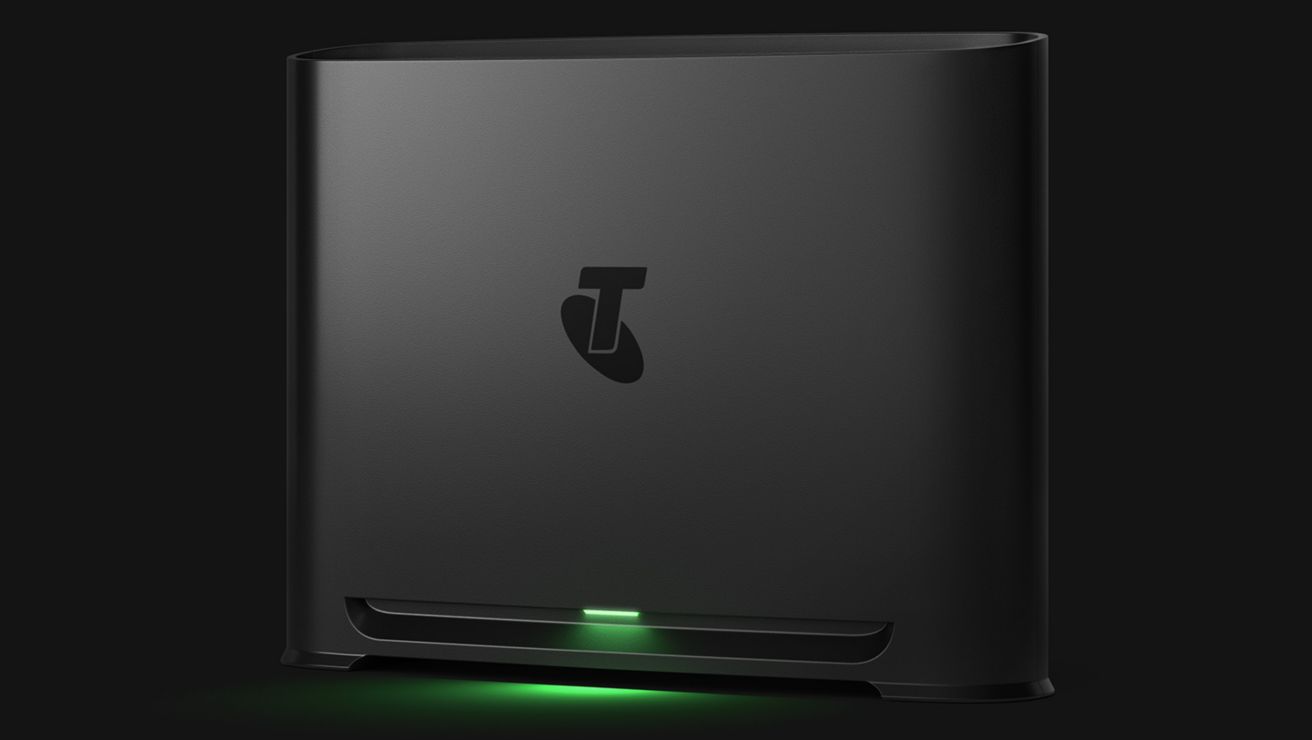


Is your home internet setup holding you back from a faster, more reliable experience? Some quick tweaks will help fine tune your setup, unleashing the full potential of your connection.
Boosting your home internet Wi-Fi
Whether you're streaming, gaming or have a family of avid internet users, our Smart Home Booster could be just the thing to keep everyone happy.
2 minute read

Could your Wi-Fi use a boost?
While Telstra Smart Wi-Fi Booster 3 is the only way to improve and extend your Wi-Fi coverage at Telstra, it's important to understand what other options are out there so you can familarise yourself with the technology and make an informed choice.
Wi-Fi Mesh Boosters explained
Repeaters and extenders explained
Repeaters and extenders are not available at Telstra.
It all starts with your in-home set up
If you've noticed a bit of 'lag' in your home internet or that your Wi-Fi signal is weaker in certain rooms of your house, a Telstra Smart Wi-Fi Booster may help with that.
But let's try problem solving it first. You can change up your in-home setup, quickly and easily to help improve your Wi-Fi signal which may be just the fix you're looking for. Some of our quick fixes include:
- Doing an internet speed test
- Finding out how old your modem is
- Reviewing your Home Internet Plan
- Moving your modem to a different part of your home.
If you've tried the above things and they haven't improved your signal, we recommend diving into this article featuring a detailed checklist for further ways to improve your home internet setup:
Read our 7 tips to improve your home internet
If the quick fixes don't work... where to next?
If you've tried all the quick fix techniques in our in-home optimisation article, there are few extra things you can start thinking about. Ask yourself:
- What additional Wi-Fi range do I need?
- Do I have a household of heavy internet users?
- How much coverage and speed do I need?
- How many boosters do I need? This will depend on the size and layout of your home - and what it's constructed of. Generally, most Telstra customers need just one booster to extend their Wi-Fi signal.
Telstra Smart Wi-Fi Booster 3
How does a Wi-Fi booster work?
Telstra Smart Wi-Fi Booster 3 enhances and expands the reach of your existing wireless network. It captures the signal from your router or modem and rebroadcasts it to areas where Wi-Fi coverage is weak or inconsistent, helping to eliminate patchy zones by improving connectivity throughout your home or office. It offers:
- Seamless integration with our Telstra Smart Modem 4 through mesh pairing, creating a mesh network.
- A unified network name (SSID) for effortless device connection across your entire space.
- Smart signal optimisation, automatically connecting devices to the strongest available signal for faster, more reliable performance.
Learn about Telstra Smart Wi-Fi Booster
The main difference between a Wi-Fi booster and a Wi-Fi extender is how they interact with your existing network and how they broadcast the signal.
Wi-Fi extender
A Wi-Fi extender helps expand your network coverage, often using a wired connection. It connects to your router via an Ethernet cable and creates a new access point in another part of your home. Instead of reaching all the way to the modem, your devices connect to this closer access point.
Wi-Fi extenders usually create a separate network name (SSID), which means:
- You may need to manually switch between networks as you move around your home.
- It rebroadcasts your router’s signal to improve coverage.
- Setup can be less seamless, often requiring manual adjustments to keep devices connected to the best signal.
Wi-Fi repeater
A Wi-Fi repeater extends Wi-Fi coverage by wirelessly receiving and retransmitting (or repeating) the signal, but it may result in your Wi-Fi speed slowing down, due to speed caps on the hardware.
The choice is yours
Now that you have the info to compare extenders, repeaters and boosters - like Telstra Smart Wi-Fi Booster, we hope you can make an informed choice about what suits your home Wi-Fi set up best.
Telstra Smart Modem 4
It's smart, it's fast and it's built for a connected lifestyle. Experience beautiful home internet with Telstra Smart Modem 4.
Explore more on these topics
Find the right internet plan for you
Whether you're streaming, gaming or working from home, there's an internet plan for you.
We also recommend
-
-
Want Wi-Fi you can take with you? A mobile hotspot gives you the freedom to go anywhere yet stay reliably connected.
-
Looking for the best internet option and finding a bunch of tech jargon? We’ll explain what the internet is and demystify some common terms for you!