Be aware that during a natural disaster, our network and other infrastructure like electricity can be affected which may interrupt your service.
It’s important to have an emergency plan in place before a critical incident arrives on your doorstep. That way you can quickly and efficiently evacuate and get yourself and your loved ones to safety.
When preparing, ensure you consider the following tips from our emergency toolkit. Some of these require an investment of time and planning, but some – like a non-electronic list of essential emergency contact numbers – are simple and quick enough to tackle straight away for peace of mind.
Here's how you can get prepared ahead of a disaster, and stay informed in the event of a fire or flood.
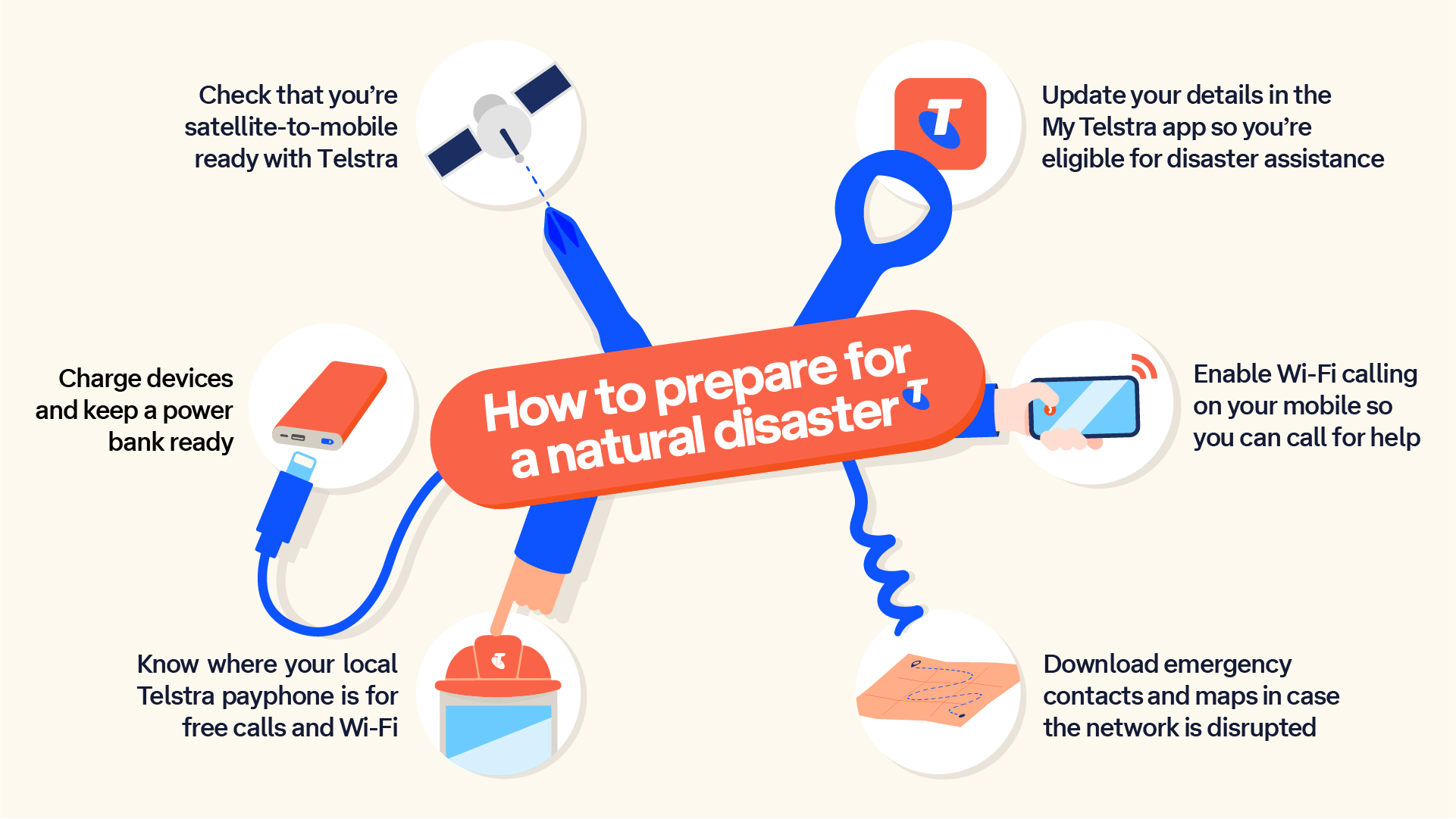
Helpful tip: Make sure your personal details are up-to-date in the MyTelstra app. That way we can let you know about any disaster support you are eligible for as quickly as possible. Tap the person icon (top right) and select ‘personal details’ to check or edit your info.
Mobile phones and portable equipment
Invest in an alternative charger
If you don’t already have one, purchase a phone charger that isn’t dependent on a power outlet. A popular choice is a ‘power bank’ battery pack that can be charged from a power outlet prior to an event and used if grid electricity is unavailable, or a portable solar panel charger or in-car charger.
Back up your data
Store your important data, like contact information and personal photos, in the cloud using an online service. If you have an Apple or Google device, these smartphones have automatic backups that you can enable to make sure your photos are always saved. You may also consider saving your essential documents down as having electronic copies can save you time, worry and stress – check out ePrepared – a free online self-help tool we have launched with Justice Connect.
Know your emergency numbers
Store a list of essential contact numbers for your local Police, Fire, SES teams as well as friends and family on your phone and as a non-electronic, ideally waterproofed, backup. Make sure you include our dedicated disaster assistance number – 1800 888 888.
When you have your list of essential numbers, make sure you make a printed copy to keep in your wallet, purse or bag, and keep a version in your car as well. Power can go out for a week or longer during a disaster. Keeping a printed copy means that if your phone is out of battery and you need an important phone number, you have it handy at all times.
Check if you’re satellite ready
Telstra Satellite Messaging is Australia’s first satellite-to-mobile text service, allowing Telstra customers with eligible plans and compatible devices to send and receive text messages when our mobile network is unavailable – ideal for regional and remote areas. Using Starlink’s Direct to Cell satellite network, compatible devices automatically seek a satellite connection when outdoors with a direct line of sight to the sky.
Telstra Satellite Messaging is not designed to be an emergency service, especially as you cannot text Triple Zero directly. It will mostly benefit people who live or travel outside mobile networks in regional and remote parts of the country, for example to let loved ones know you’re okay, or for road trippers experiencing a flat tyre and needing to reach out for help.
Consider a repeater device
Like any mobile network, coverage on the Telstra mobile network can be affected by local conditions, the type of technology you’re using and how it’s being used. It’s important to understand that different devices have different capabilities.
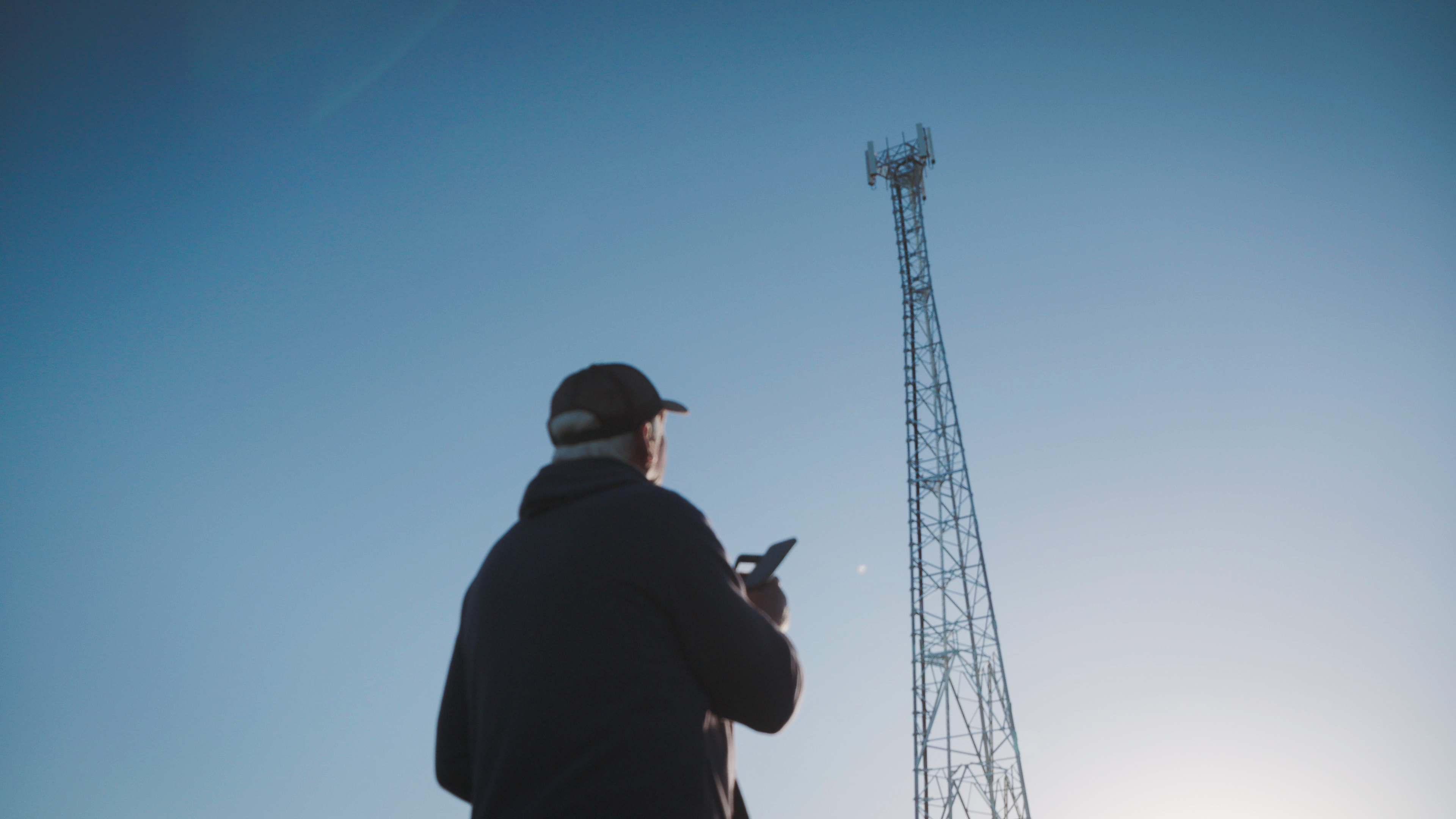
If you live in or regularly travel to the bush, you may benefit from using a Blue Tick certified phone or coverage extension accessory to help improve your mobile signal and overall network experience.
Network coverage extension devices can amplify the network signal your mobile device receives, which helps extends the area your device can operate in.
As an example, our Telstra Go Repeaters can be used to maximise your mobile signal in areas of low coverage.
You can take a look at our range of repeaters and extenders to see if one suits your needs.
Make sure your device is up to date
We recently identified that some older Samsung phones may not reliably connect to Triple Zero when your primary mobile network is unavailable. Most can be fixed with a software update, but some must be replaced. Check your device and update it to stay connected in a crisis.
Fixed line phones and nbn
Home phones on the NBN are different
Since the NBN carries your home phone line, it will be unavailable during a power outage. It’s best to have a mobile phone or satellite phone handy for this instance, especially in remote areas.
Enable Wi-Fi calling so you can call for help
If cellular network signal is down during a disaster, you can still use your mobile phone to make and receive calls and text messages, provided it supports Wi-Fi Calling. Wi-Fi Calling provides basic voice-calling capability on compatible devices when you’re connected to a supported Wi-Fi network and can’t connect to the Telstra Mobile Network.
We’ve also switched on SMS over Wi-Fi, allowing you to receive texts via your fixed line connection when you’re in Wi-Fi coverage. Here’s our FAQ on how to set it up in case you haven’t already.
Keep a corded phone
A cordless fixed line phone is convenient, but remember, most cordless phones rely on electric power to operate, so you may lose the use of your landline during a power outage. A corded phone draws its electricity directly from the phone line (excluding fixed line phones on NBN) and can be used during a power outage.
Keeping in touch in a disaster
Set up a virtual meeting place
If you have internet access, an instant messaging group chat with friends and family, or a social media site like Facebook or even Instagram, can give you and your loved ones extra information during a time of crisis.
Find your closest payphone
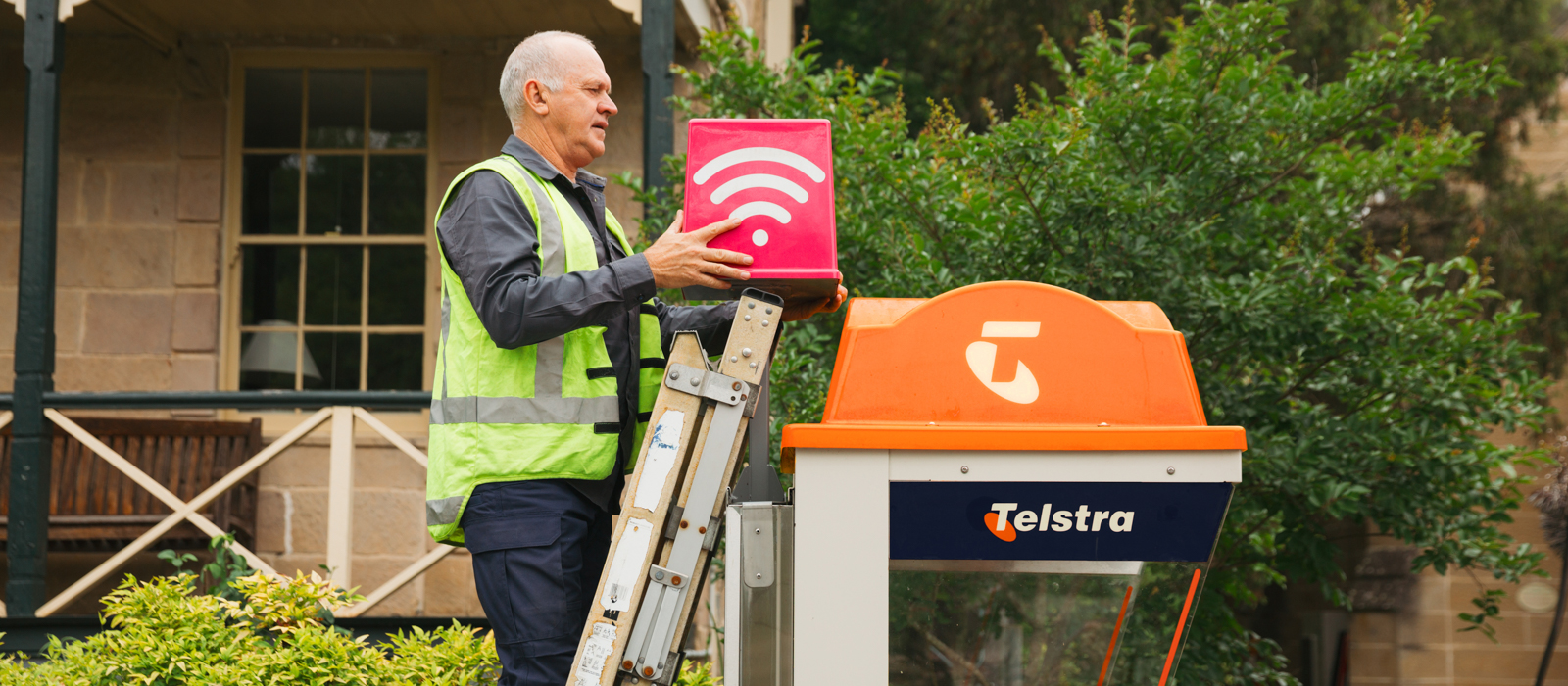
If mobile services have been impacted, find your local payphone. We have recently upgraded over 1,000 of them with free Wi-Fi and extended battery back-up so they are more likely to withstand disaster impacts and can be a huge help if you need to make a call or get online.
Download emergency services apps
These official apps will give you the most up-to-date information on what’s happening in your area, including natural disaster warnings.
Be alert to changing conditions
Subscribe to services that will alert you to weather changes, road closures and updates from other service providers in your area.
Use local information sources
Online, social media accounts for your local authorities and emergency services will share crucial information. Your local broadcaster will also share information over the radio – make sure you have a battery-powered radio or car radio to listen in on.
Other help you might need
Below we’ve provided a short list of some official information sources from various federal, state and territory governments that you should read if you’re preparing yourself and your home against disaster.
Government agencies for emergency response information:
Other critical information websites: