Keeping you safe: an issue with some older mobile devices calling Triple Zero
As part of our device testing, we've identified a number of older mobile devices that are not correctly connecting to the Triple Zero calls. These devices need to be updated or replaced to make sure they work reliably in an emergency.
Shailin Sehgal · 22 October 2025 · 3 minute read
19/12/2025 Update: OPPO A53s Devices and Triple Zero Calling
We’ve identified an issue affecting some OPPO A53s devices. Customers using early software versions on this handset will not be able to call Triple Zero (000). When attempting to dial 000, the phone may reboot preventing the call from connecting.
The issue affects all OPPO A53s devices with early software versions, across all mobile networks in Australia. It is not specific to Telstra and is not an issue with Telstra’s mobile network. Updating to the latest software is the only way to fix this issue so that your device can make calls to Triple Zero (000).
If you do not complete the update, your device may be blocked from the Telstra network from 20 January 2026, in keeping with our legal requirements under the Emergency Call Service Determination.
How to update
Make sure your phone is on and connected to the Telstra mobile network or to Wi-Fi.
Go to Settings on your device.
Scroll to and select Software Update.
Check for updates – your phone will automatically search for any new software.
Follow the prompts to install the latest version. When the download is finished, tap Update Now. Your phone will restart and install the update. This may take a few minutes.
What happens if I don’t act?
Under the Government’s Emergency Service Call Determination, all mobile network operators are required to block devices from their networks that are not configured to access emergency call services. If your device is on the list of impacted devices, you will have 28 days from when we notify you to update the software or replace your device to stay connected to the Telstra network. After this time, the device will be blocked from accessing all Australian mobile networks.
For impacted Samsung devices
In a situation where your primary mobile network is unavailable, your mobile device is designed to automatically connect to another available mobile network to place a Triple Zero call.
For Telstra customers, the primary mobile network is “Telstra” and another available mobile network would be Optus or Vodafone in Australia.
After completing some recent testing, we’ve identified a number of older Samsung mobile devices that are not correctly connecting to the Vodafone mobile network when other mobile networks are unavailable. We immediately notified Samsung and the other network operators when we discovered the issue. Given the nature of the issue, we’re legally obligated to inform customers impacted and block devices from our network that are not fixed.
To be clear, this issue does not relate to the Telstra network, and it does not impact your ability to call Triple Zero when you’re using the Telstra network or the Optus network. It also does not impact your ability to use Voice over Wi-Fi to place a Triple Zero call when no other mobile network is available.
How can this issue be fixed?
Some devices that are at least seven years since release will need to be replaced. Most devices can be fixed with a software update that can be completed directly on the device.
In both cases, we will reach out to our customers via email or SMS to let them know what to do based on the device they’re using.
Which Samsung devices are impacted?
Updated: November 27, 2025
Only the Samsung devices listed below are impacted by this issue.
The following devices, as of 27 November 2025, are blocked from the Telstra mobile network and will need to be replaced:
The following devices require a software update or they will be blocked from the Telstra mobile network from 21 January 2026. Devices that are running the most up-to-date software version available already have the fix installed on their device.
How do I work out if my device is impacted and what does this mean for me?
We’ll be contacting customers using these devices directly via email or SMS, to provide specific instructions. Depending on the model, customers will need to update the software on their device or replace it. If a replacement is required, we’ll provide some options based on our customer’s needs.
How do I find the model number of my Samsung device?
Go to Settings, and then tap About phone to view the model number. We will contact all customers directly that need to replace their device or update their software. You can find instructions for updating your software below.
What happens if I don’t act?
Under the Government’s Emergency Service Call Determination, all mobile network operators are required to block devices from their networks that are not configured to access emergency call services. If your device is on the list of impacted devices, you will have 28 days from when we notify you to update the software or replace your device to stay connected to the Telstra network. After this time, the device will be blocked from accessing all Australian mobile networks.
Does this issue only impact Telstra customers?
No. This is an issue impacting several older Samsung devices and does not affect recent Samsung models. It is not specific to Telstra and is not an issue with Telstra’s mobile network or the Triple Zero system.
Can these devices still call Triple Zero today?
Yes. As long as they are connected to the Telstra network, or where it is not available, the Optus network has greater signal strength than the Vodafone network, the phone will be able to connect a Triple Zero call.
Should I call Triple Zero to test my device?
No. Calling Triple Zero is not a reliable test of whether your device is impacted by this issue and could give you a false sense of confidence. It's best to follow the instructions provided to replace or update your device.
Can I still use my phone on my home Wi-Fi after it is blocked?
Yes. Your phone can connect to a Wi-Fi network for data purposes only. However, blocked devices won’t be able to make or receive voice calls over Wi-Fi, including emergency calls, or send and receive SMS.
What if I need more help?
If you have one of the impacted devices and need more help, Telstra consumer customers can call our specialist team on 1800 172 213. Telstra Small Business customers can call us on 1800 870 542. Telstra customers can also visit their local Telstra store.
Belong customers can get help online or call 1300 235 664 between 8am and 8pm AEDT 7 days a week.
How do I update the software on my Samsung device?
Using two fingers, swipe down from the top right corner of the screen, and then tap the Settings icon.
Swipe to and then tap Software update or System updates. It will vary between models.
Tap Download and install, Check for system updates, or Check for software updates. If an update is available, it should begin downloading automatically, although you may need to tap Download now on some devices.
When the download is complete, follow the on-screen instructions to install the update.
You may need to follow these steps a number of times to ensure your device has the latest version.
By Shailin Sehgal
Group Executive Global Networks and Tech, Global Networks and Technology
As Group Executive of Global Networks and Technology, Shailin Sehgal is responsible for ensuring Telstra remains at the forefront of enhancing its network resilience and technology and expanding its network leadership. This includes Telstra’s cyber security capabilities, private and public cloud infrastructure, identifying and deploying new technology, such as those related to 5G and Edge Compute, and delivering network automation and orchestration capabilities to provide exceptional experiences for customers.
Shailin joined Telstra in June 2019 to lead Network Applications and Cloud where he introduced innovative fixed and wireless technology, as well as cloud-hosted products and managed services, including security services, across customer segments. He has more than 30 years of global experience across senior telecommunications networks, products and operations in senior roles.
Prior to Telstra, Shailin was Executive Vice President of R&D at US-based Mavenir Systems, Senior Vice President – Product Architecture and Solutions Engineering at Reliance Jio (RIL Company) in India; and Senior Vice President & Chief Technology Officer, Multimedia at US-based GENBAND Inc.
Shailin holds a Masters of Computer Science from the University of Texas at Dallas, and a BE (Hons) in Electronics Engineering from Nagpur University, India.
We welcome the ACCC's Mobile Services Inquiry and the focus it brings to improving connectivity for regional Australians. Better coverage, stronger resilience and more reliable connectivity are goals we all share. Mandated mobile roaming is one proposal under consideration, and as the discussion continues, it's important to separate fact from fiction about what it would mean for customers and communities.
In an emergency, getting connected quickly is what matters most. Even when you're outside our coverage, a 000 call can still get through, as long as another mobile network is available.
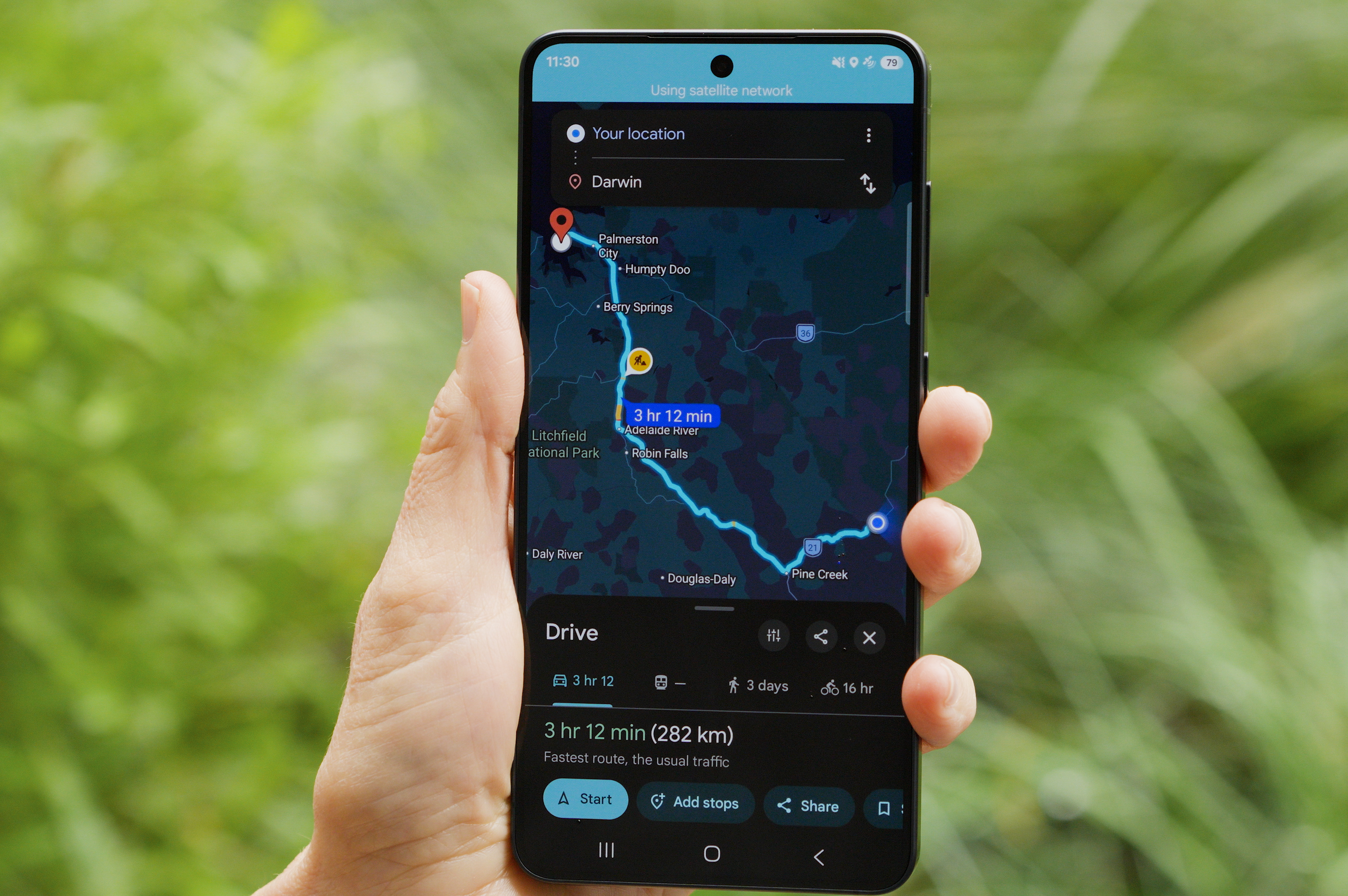
Telstra is among the first telcos globally to expand satellite to mobile services beyond text messaging. Eligible Telstra customers can now use a compatible device to access select apps like Apple Weather, Google Maps and Google Weather and WhatsApp in more places across the country.