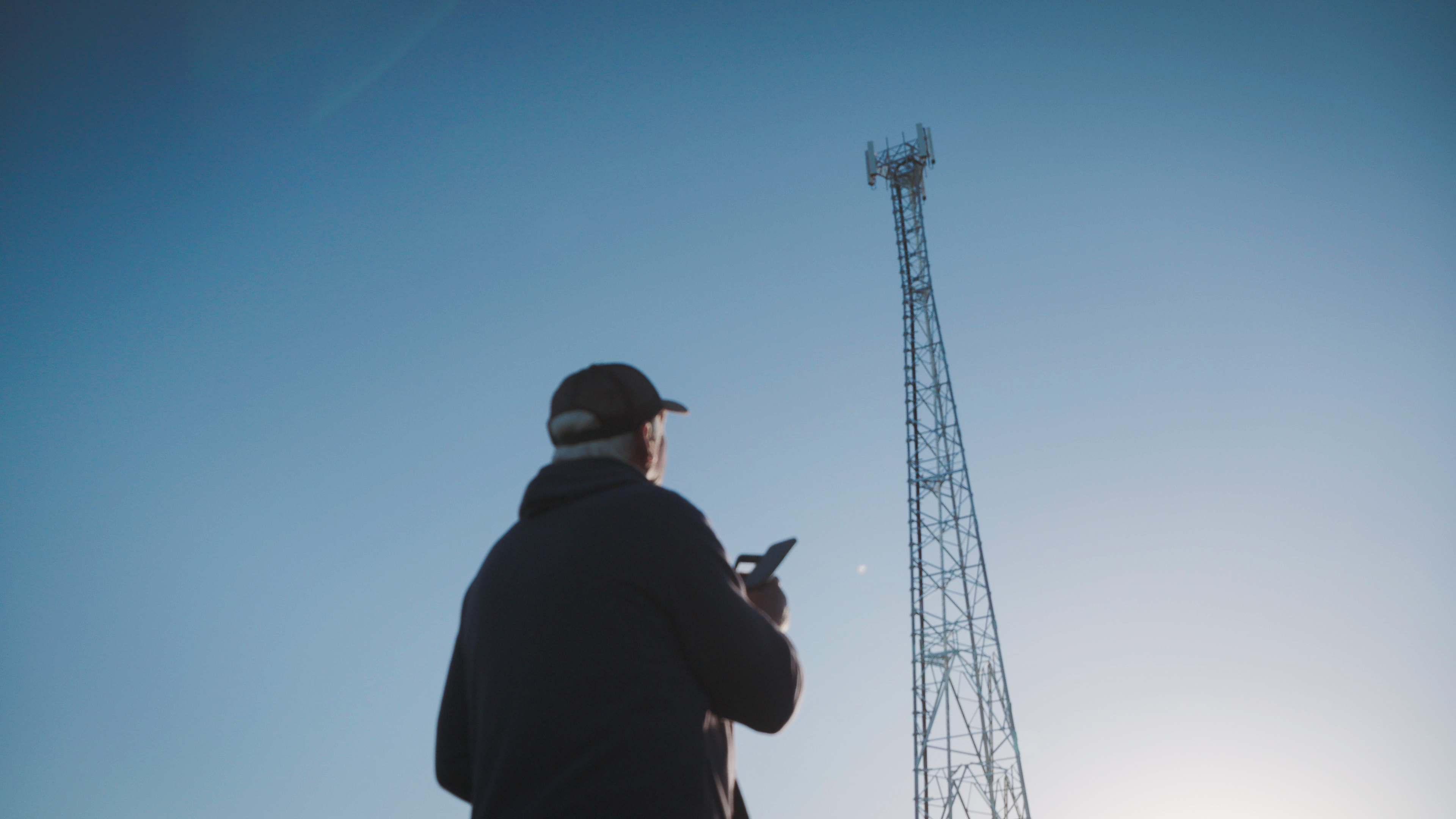
Over the last couple of decades, connectivity has become more crucial than ever – and in remote areas it can be the difference between isolation and community. Which is why for almost 20 years we’ve been putting phones to the test to see if they deserve a Blue Tick.
The Telstra Blue Tick is the mark we give phones that our technicians and engineers have thoroughly tested to ensure they deliver superior voice coverage in rural and regional areas.
We test every phone that we sell on our network, but only the best get a Blue Tick.
How we test for Blue Tick
When Blue Tick first started, a crack team of Telstra technicians and engineers went bush with a range of devices to test exactly how they performed. While they were out there, they pioneered a testing regimen that is still used today.
Originally testing was only performed with our old 3G network, but in recent years, testing voice calls now takes place across our 4G VoLTE network, with Samsung’s Galaxy S8 the first 4G phone to receive the Blue Tick in 2017.
These days we don’t need to head out to the bush for each test, but can do most of our testing in purpose built device testing facilities. Here, we’re able to simulate exactly how a new phone would perform as if it were being held in your hand on the very edge of a coverage area.
We seal the handsets in our specialised echo-free chamber to ensure that tests are accurate and only the best-performing devices are awarded the prestige of carrying the Blue Tick. And to make extra sure the handset performs well, we then take it out into rural areas to replicate these test results for double-confirmation of its performance.
More than a coverage map
When you rely on knowing where you can find coverage in remote areas, being able to trust in the Blue Tick across different devices is a point of pride for us. There are many factors that can impact the signal strength, but with Blue Tick testing, one of the most important we test for is how our bodies impact signal.
When you hold your phone, your hand and all the lovely stuff in your body – which is mostly made up of water – work to essentially absorb and almost block parts of the signal. Engineers call it a “detuning” effect and it can have a real impact on your overall coverage.
In fact, your hand position and size is so important that to ensure consistency we’ve used the same bloke and his same hand for over a decade to hold the devices in testing.
A phone’s antenna strength can also make a big difference in terms of connectivity, which is something we test across all our connected devices. Even a small amount of extra signal strength (measured in dBM) can result in kilometres of extra coverage when you’re on the borderline of connectivity.
Best Telstra Blue Tick phones in 2025
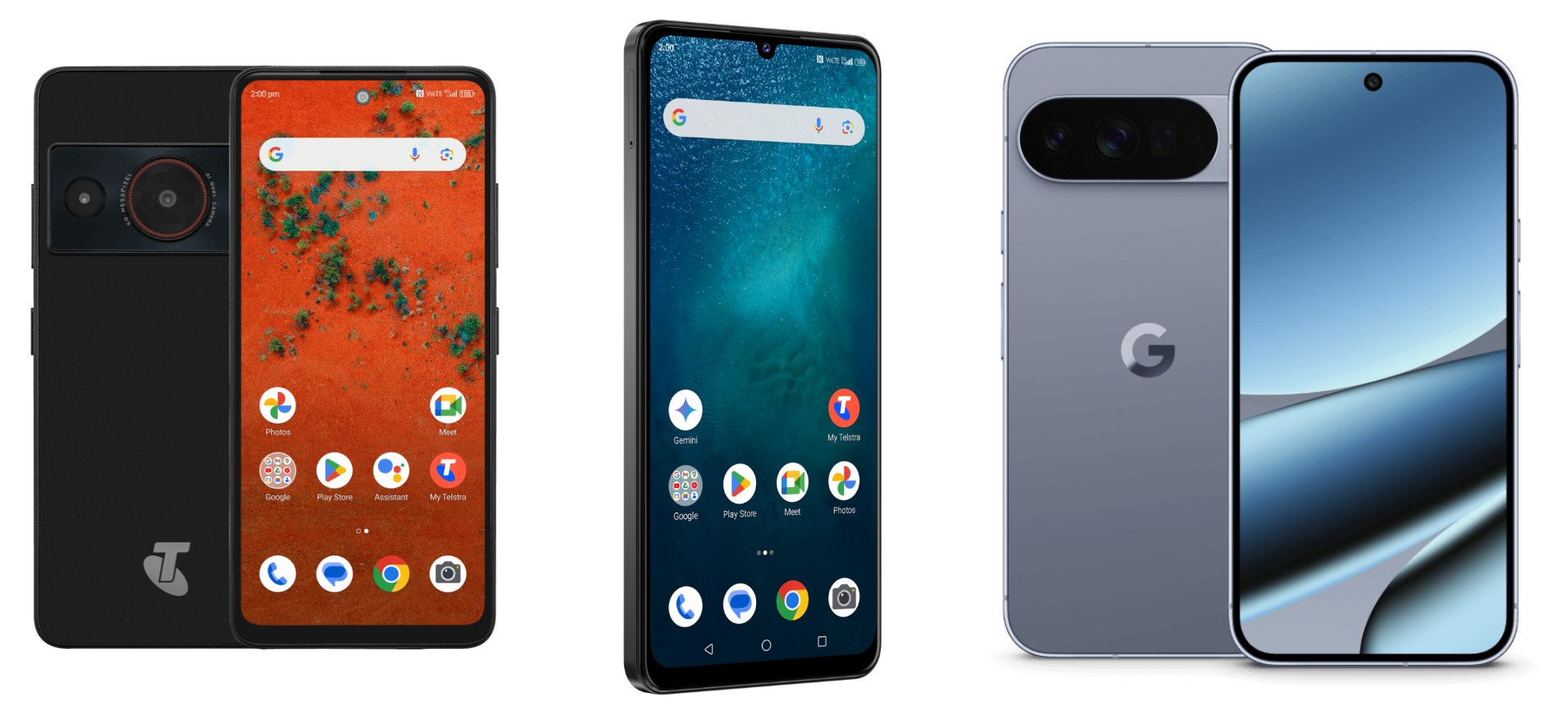
Blue Tick certification isn’t just something just for premium devices. Whether you’re after something for more basic connectivity or a premium device such as the Google Pixel 10 or Samsung Galaxy S25 Ultra.
We’ve also recently added Blue Tick certification to Samsung’s latest foldable devices – the Galaxy Z Fold7 and Galaxy Z Flip7 – adding options for everyone.
Our latest prepaid devices to the Blue Tick range include our most affordable 5G enabled Blue Tick device yet – the Telstra T-Pro 2 5G which starts at just $129 on Telstra prepaid. We’ve also just added these incredible value devices to the lineup:
All the 5G enabled prepaid devices here also come with more data now too – with a $29 prepaid sim packed with 25GB of data (14 days expiry) for newly activated SIMs.
Regional coverage tips for Blue Tick
If you want to get every bit of coverage you can and the most out of your Telstra Blue Tick phone, we have a few tips to follow, straight out of our lab.
- Hold your phone as light as possible – how you hold your phone matters a lot. So next time you’re trying to make a call on the edge of coverage, try not to squeeze the life out of your phone.
- Turn on Wi-Fi calling and SMS – if you get coverage outside, but not inside your home you can turn Wi-Fi calling and SMS on to make phone calls or send texts like normal using your home internet, even without any mobile coverage
- Use a headset or headphones for calls – don’t need to worry about how you’re holding your phone if you aren’t holding it, right?
- Take a look at repeaters or antennas – an external antenna or repeater is much larger than the antenna in your phone and can pick up coverage your phone can’t. It then repeats that signal short distances for your phone to connect to.