Find through calling
Call *#06# on the device to display the IMEI.
JB Hi-Fi plans come with the following, for use in Australia.
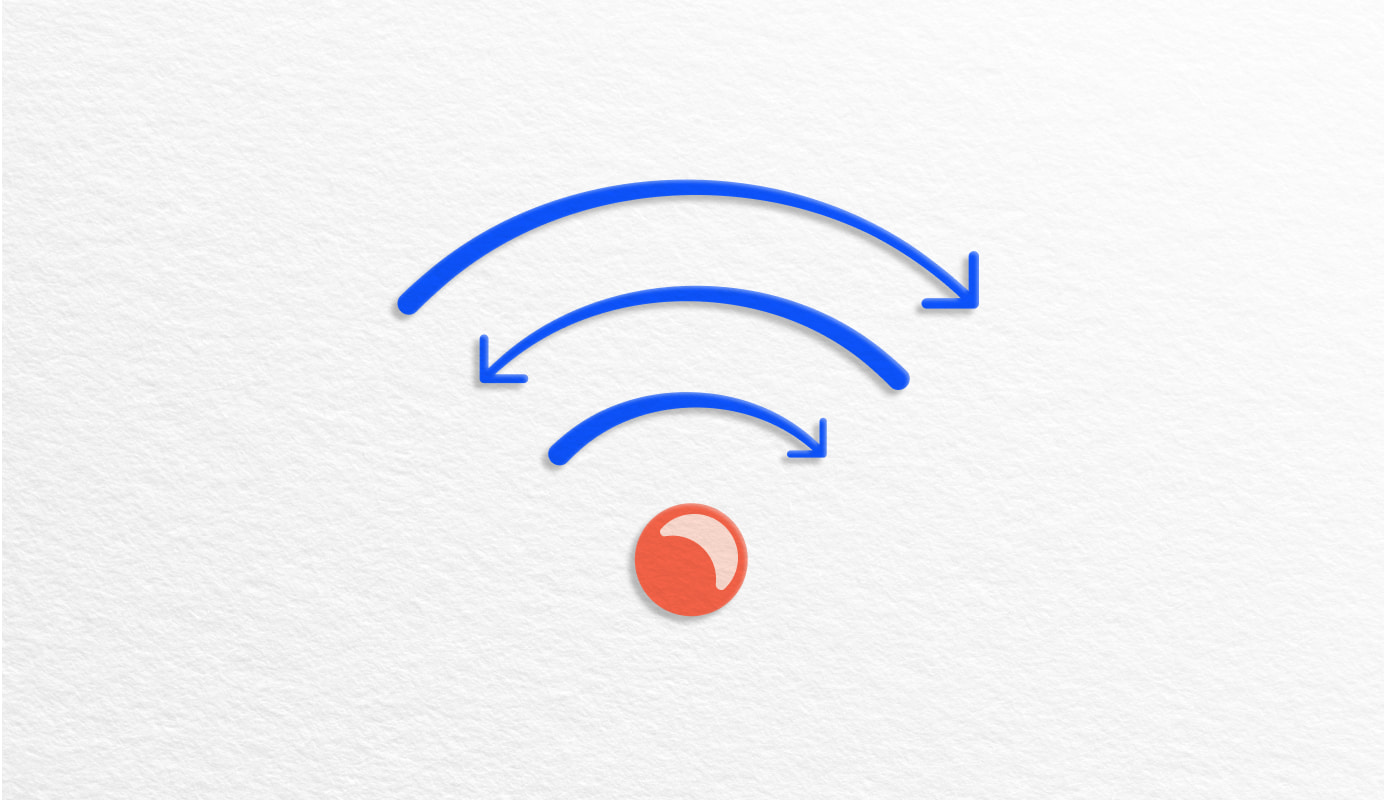
This plan comes with a data allowance to use in Australia. You won’t be charged if you go over your monthly data allowance. Instead, you can continue to access data up to speeds of 1.5Mbps. 1.5mbps isn’t suitable for HD video or high-speed applications, and means some web pages, social media content and files may take longer to load).
In addition, heavy data users (users in the top 1% of all data users) may experience slower speeds than other users during busy periods. The speeds you receive may vary depending on a range of factors including your device, location, number of users and download sources. Your data allowance is for personal use in a smartphone or tablet in Australia only and the FairPlay Policy applies.
Download speeds for included data are capped at 250Mbps on our 4G and 5G network. This speed cap is great for most customers’ regular usage including streaming, browsing and social media.
Unlimited calls and SMS in Australia to standard Australian fixed and mobile numbers, as well as calls to most 11xx, 12xx, 13xx and 18xx numbers.
With your plan’s included data, enjoy greater speed, more capacity and less latency with our fastest 5G network access.
Speeds may vary due to factors such as location, distance from the base station, local conditions, concurrent users, hardware and software configuration and download/upload destination.
Our 5G network reaches over 80% of Australians. To access 5G, you need a 5G compatible device and to be in a 5G coverage area. To see if 5G is in your area, use our 5G coverage checker.
Account selection required
Account selection required
Only Account Owners can buy items online. Message us to complete your order.
You have no eligible services that can be upgraded. Please message us or get a new plan.
You need a new plan to buy a device on repayment.
You can either get a new plan or use a plan from a different account.
You’ll need to add a new plan to continue.
You can’t update this service
Message us or visit us in store to update this service. You also need to buy out the remaining months on your repayment term.
Message us or visit us in store to update this service
You can’t update this service here
This is a MICA service. Go to Console to migrate it. The customer also needs to buy out the remaining months on their repayment term.
This is a MICA service. Go to Console to migrate it.
Service selection required
A mobile phone service can’t be added to a data plan. Please select another service.
A mobile broadband service can’t be added to a mobile phone plan. Please select another service.
You have Upgrade & Protect on the service you selected, which means you can choose to upgrade to a new device (if eligible).
If you don't want to use Upgrade & Protect and want to keep your current device, you’ll need to pay a buyout fee.
An error has occurred
An error has occurred
[[devicename]]
Time in contract: [[installmentsRemaining]] of [[totalInstallments]] months
Buyout fee
$[[remainingPayoutAmount]]
An error has occurred
Call *#06# on the device to display the IMEI.
Android: Search "IMEI" in Settings.
iOS: Select General > About > IMEI in Settings.
An error has occurred
Your device with the IMEI number ending in [[partial-imei]] has been successfully verified.
We'll assess the device condition next.
An error has occurred
An error has occurred
The IMEI number you entered doesn't match our records. This could be because your device wasn't supplied by Telstra, or was replaced under warranty by Telstra or device manufacturer. Please go back and check that you have entered the last 4 digits of IMEI 1 from your device.
Contact us and let us know that your device's IMEI did not match our records. We'll try to resolve the issue as soon as possible.
An error has occurred
Please check if ‘Find My’ option has been turned on your Apple device. If it has, follow these steps to turn it off:
Contact us if this issue persists.
An error has occurred
An error has occurred
We can’t continue because there’s an open request against this device.
Contact us and let us know there’s an open request against this device. Any existing requests must be closed before a new order can be processed.
An error has occurred
We can’t find that IMEI. This could be because your device wasn’t supplied by Telstra.
An error has occurred
We’re unable to process the request right now. Please contact us to check what’s wrong.
An error has occurred
Device details
[[devicename]]
An error has occurred
How to find IMEI number
Option 1: Find through calling
Call *#06# on the device to display the IMEI
Option 2: Find in settings
Android: Search "IMEI" in Settings
iOS: Select > General > About > IMEI in Settings
An error has occurred
An error has occurred
An error has occurred
Please contact store
An error has occurred
An error has occurred
An error has occurred
Something went wrong. Please try again.
An error has occurred
An error has occurred
[[devicename]]
Time left in contract: [[installmentsRemaining]] of [[totalInstallments]] months
Device condition
[[redemptionCondition]]
Estimated redemption fee
$[[redemptionFee]]
[[redemptionHistory]]
Find out more on the Upgrade & Protect page.
An error has occurred
[[devicename]]
Time left in contract: [[installmentsRemaining]] of [[totalInstallments]] months
Device condition
[[redemptionCondition]]
Estimated redemption fee
$[[redemptionFee]]
[[redemptionHistory]]
Find out more on the Upgrade & Protect page.
An error has occurred
[[devicename]]
Time left in contract: [[installmentsRemaining]] of [[totalInstallments]] months
Device condition
[[redemptionCondition]]
Estimated redemption fee
$[[redemptionFee]]
[[redemptionHistory]]
Find out more on the Upgrade & Protect page.
An error has occurred
[[devicename]]
Time left in contract: [[installmentsRemaining]] of [[totalInstallments]] months
Device condition
[[redemptionCondition]]
Redemption status
Ineligible
[[redemptionHistory]]
Find out more on the Upgrade & Protect page.
An error has occurred
An error has occurred
We'll conduct a credit check to confirm you're able to meet the repayments of this purchase.
Back up your information, remove your SIM card (if you have a physical SIM) and reset your device to factory settings. Check the detailed instructions we send with your eParcel.
Return your current device within 14 days of receiving our eParcel. Your device will be re-assessed and we'll notify you of any additional fees or applicable refunds.
This plan comes with a data allowance to use in Australia. You won’t be charged if you go over your monthly data allowance. Instead, you can continue to access data up to speeds of 1.5Mbps. 1.5mbps isn’t suitable for HD video or high-speed applications, and means some web pages, social media content and files may take longer to load).
In addition, heavy data users (users in the top 1% of all data users) may experience slower speeds than other users during busy periods. The speeds you receive may vary depending on a range of factors including your device, location, number of users and download sources. Your data allowance is for personal use in a smartphone or tablet in Australia only and the FairPlay Policy applies.
Download speeds for included data are capped at 250Mbps on our 4G and 5G network. This speed cap is great for most customers’ regular usage including streaming, browsing and social media.
Unlimited calls and SMS in Australia to standard Australian fixed and mobile numbers, as well as calls to most 11xx, 12xx, 13xx and 18xx numbers.
With your plan’s included data, enjoy greater speed, more capacity and less latency with our fastest 5G network access.
Speeds may vary due to factors such as location, distance from the base station, local conditions, concurrent users, hardware and software configuration and download/upload destination.
Our 5G network reaches over 80% of Australians. To access 5G, you need a 5G compatible device and to be in a 5G coverage area. To see if 5G is in your area, use our 5G coverage checker.
Account selection required
Account selection required
Only Account Owners can buy items online. Message us to complete your order.
You have no eligible services that can be upgraded. Please message us or get a new plan.
You need a new plan to buy a device on repayment.
You can either get a new plan or use a plan from a different account.
You’ll need to add a new plan to continue.
You can’t update this service
Message us or visit us in store to update this service. You also need to buy out the remaining months on your repayment term.
Message us or visit us in store to update this service
You can’t update this service here
This is a MICA service. Go to Console to migrate it. The customer also needs to buy out the remaining months on their repayment term.
This is a MICA service. Go to Console to migrate it.
Service selection required
A mobile phone service can’t be added to a data plan. Please select another service.
A mobile broadband service can’t be added to a mobile phone plan. Please select another service.
You have Upgrade & Protect on the service you selected, which means you can choose to upgrade to a new device (if eligible).
If you don't want to use Upgrade & Protect and want to keep your current device, you’ll need to pay a buyout fee.
An error has occurred
An error has occurred
[[devicename]]
Time in contract: [[installmentsRemaining]] of [[totalInstallments]] months
Buyout fee
$[[remainingPayoutAmount]]
An error has occurred
Call *#06# on the device to display the IMEI.
Android: Search "IMEI" in Settings.
iOS: Select General > About > IMEI in Settings.
An error has occurred
Your device with the IMEI number ending in [[partial-imei]] has been successfully verified.
We'll assess the device condition next.
An error has occurred
An error has occurred
The IMEI number you entered doesn't match our records. This could be because your device wasn't supplied by Telstra, or was replaced under warranty by Telstra or device manufacturer. Please go back and check that you have entered the last 4 digits of IMEI 1 from your device.
Contact us and let us know that your device's IMEI did not match our records. We'll try to resolve the issue as soon as possible.
An error has occurred
Please check if ‘Find My’ option has been turned on your Apple device. If it has, follow these steps to turn it off:
Contact us if this issue persists.
An error has occurred
An error has occurred
We can’t continue because there’s an open request against this device.
Contact us and let us know there’s an open request against this device. Any existing requests must be closed before a new order can be processed.
An error has occurred
We can’t find that IMEI. This could be because your device wasn’t supplied by Telstra.
An error has occurred
We’re unable to process the request right now. Please contact us to check what’s wrong.
An error has occurred
Device details
[[devicename]]
An error has occurred
How to find IMEI number
Option 1: Find through calling
Call *#06# on the device to display the IMEI
Option 2: Find in settings
Android: Search "IMEI" in Settings
iOS: Select > General > About > IMEI in Settings
An error has occurred
An error has occurred
An error has occurred
Please contact store
An error has occurred
An error has occurred
An error has occurred
Something went wrong. Please try again.
An error has occurred
An error has occurred
[[devicename]]
Time left in contract: [[installmentsRemaining]] of [[totalInstallments]] months
Device condition
[[redemptionCondition]]
Estimated redemption fee
$[[redemptionFee]]
[[redemptionHistory]]
Find out more on the Upgrade & Protect page.
An error has occurred
[[devicename]]
Time left in contract: [[installmentsRemaining]] of [[totalInstallments]] months
Device condition
[[redemptionCondition]]
Estimated redemption fee
$[[redemptionFee]]
[[redemptionHistory]]
Find out more on the Upgrade & Protect page.
An error has occurred
[[devicename]]
Time left in contract: [[installmentsRemaining]] of [[totalInstallments]] months
Device condition
[[redemptionCondition]]
Estimated redemption fee
$[[redemptionFee]]
[[redemptionHistory]]
Find out more on the Upgrade & Protect page.
An error has occurred
[[devicename]]
Time left in contract: [[installmentsRemaining]] of [[totalInstallments]] months
Device condition
[[redemptionCondition]]
Redemption status
Ineligible
[[redemptionHistory]]
Find out more on the Upgrade & Protect page.
An error has occurred
An error has occurred
We'll conduct a credit check to confirm you're able to meet the repayments of this purchase.
Back up your information, remove your SIM card (if you have a physical SIM) and reset your device to factory settings. Check the detailed instructions we send with your eParcel.
Return your current device within 14 days of receiving our eParcel. Your device will be re-assessed and we'll notify you of any additional fees or applicable refunds.
At Telstra we recognise and acknowledge the existing, original, and ancient connection Aboriginal and Torres Strait Islander peoples have to the lands, waterways, and sky country across the Australian continent. We pay our respects to their Elders past and present. We commit to working together to build a prosperous and inclusive Australia.