As wild weather looms, we’re preparing for another season of potential bushfires, floods and cyclones. You should be too: here are our best tips for getting ready.
Temporary Disaster Roaming: Where it’s switched on and what you need to know
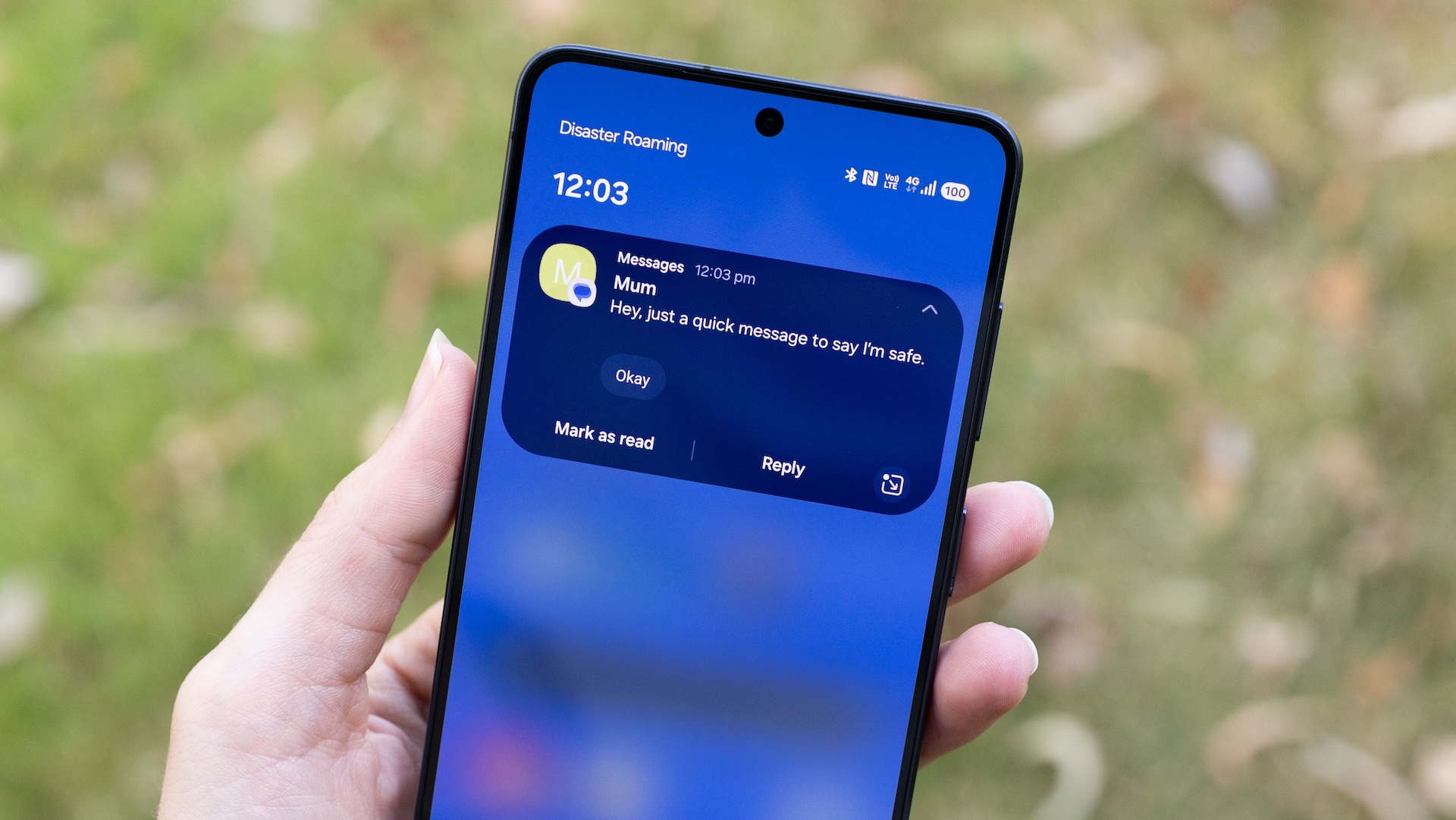
If a natural disaster disrupts your mobile service, Temporary Disaster Roaming (TDR) may be able to help you make calls, send texts and use limited data through another participating network if certain conditions are met. Check the updates below for where it’s currently switched on.
Telstra Writer · 25 November 2026 · 3 minute read
Where is Temporary Disaster Roaming currently active?
Active Locations:
Flinders Island
- Active since 2:07pm AEDT 25/11/2026
Your connection depends on the local network availability, capacity and your phone compatibility.
How can TDR help you stay connected?
During a bushfire, flood or cyclone, your usual mobile network might lose service while another network in the affected area is still working. TDR can temporarily give you access to that network where conditions allow.
If TDR is switched on in your area, you may be able to connect through another participating network if your usual network is disrupted, or doesn’t normally provide coverage where you are. This may mean connecting through our network, or for our customers, temporarily connecting through the Optus or TPG network. TDR can help you stay informed, contact family and friends, arrange assistance, or let others know you are safe.
TDR is designed to support essential communication. Data may be slow or restricted. There are no extra roaming fees; your usual plan charges apply.
How long will TDR be available?
TDR activations typically last around 24 hours. This is an estimate, and an activation may be extended if it’s safe to do so.
We monitor the network while TDR is active. If it can no longer safely support the extra traffic, we may need to switch TDR off earlier.
When TDR ends, your phone can return to your usual provider where its service is available. Switching TDR off doesn’t mean every local service has been restored.
Why can’t TDR be switched on everywhere?
TDR is intended for eligible disasters in regional and rural areas. Metropolitan areas are excluded. Another participating network must be working and able to carry the extra traffic safely for TDR to be switched on.
Before switching it on, we assess the available sites, their power supply and how much demand they can handle. A damaged site, limited backup power or congestion can prevent an activation. There are also limits on the size, number and proximity of active disaster areas.
If all mobile networks in your area are down, TDR can’t provide a connection.
Do you need to change anything on your phone?
Most compatible phones connect without settings changes. The network name on your screen may change. Your smartphone must support VoLTE roaming, which allows voice calls over another provider’s 4G network.
Some older phones may need data roaming enabled for data access. Check our TDR phone and settings guidance for details.
What should you know about emergency calls and alerts?
TDR is different to Triple Zero (000) calling. Your phone can already call Triple Zero from any available mobile network if your own provider network isn’t available. This existing functionality, known as “emergency camp-on”, is built into mobile phones and works independently of TDR.
AusAlert is the new national warning system that will be used to send alerts to mobile devices in the event of an emergency. AusAlert will also operate regardless of whether TDR is activated or not.
Keep checking official emergency updates using whatever working connection you have.
What else can you do while services are disrupted?
Alongside a traditional radio, keep spare physical batteries or a fully charged power bank in your home’s emergency toolkit.
Use Wi-Fi Calling if your phone and provider support it and you have a working Wi-Fi internet connection.
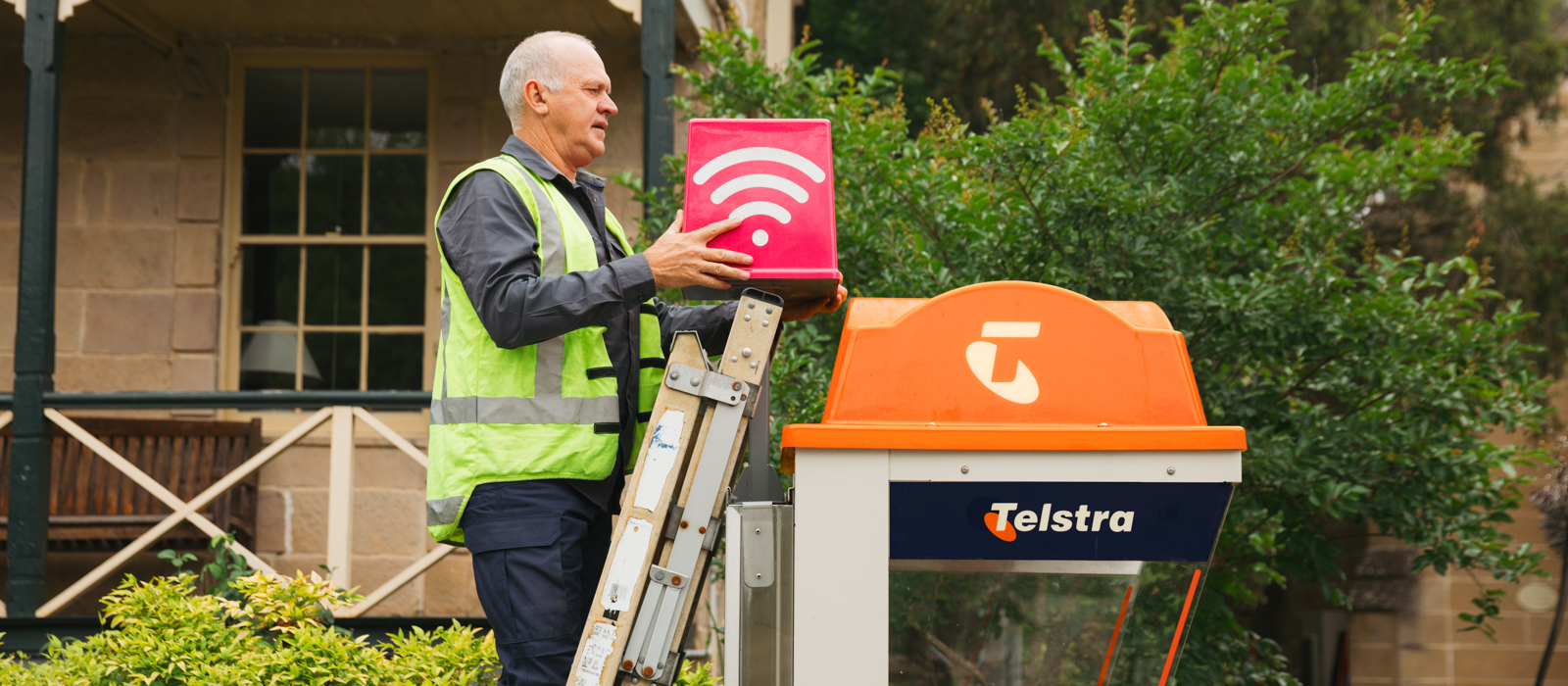
Know where your local Telstra payphone is for free calls and Wi-Fi. You can find your nearest payphone using our Payphone Finder.
TDR doesn’t support medical alarms or EFTPOS terminals. Contact your device provider about backup options if you rely on one.
For more about when TDR can help and its limitations, read our Temporary Disaster Roaming explainer. Check the postcode updates above for the latest activation times in your area.
-
-
The ACCC is looking at whether mobile providers should be required to share access to their networks through domestic roaming or RAN sharing. But what are domestic roaming and RAN sharing, what could they mean for customers, and what could make a real difference in regional Australia?
-
If you spend time in Western Australia, one thing becomes clear very quickly: people here are used to thinking on a big scale. Big distances. Big industries. Big ambitions.