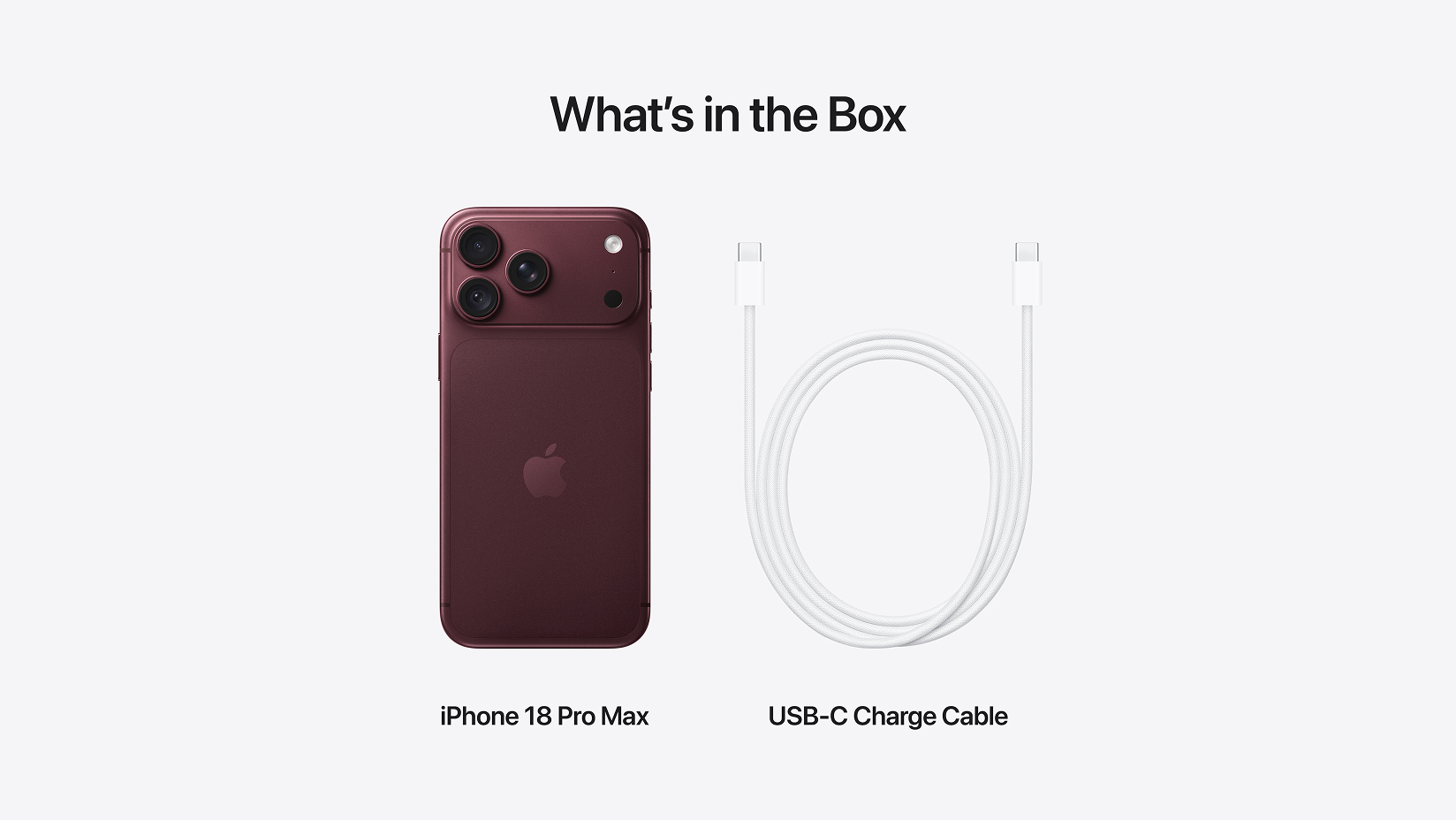
What's in the box of the new iPhone 18 Pro Max?
You'll find your brand-new iPhone 18 Pro Max and a USB-C Charge Cable which supports fast charging.
As a part of Apple's environmental goals, iPhone models no longer include a power adaptor in the box. If you're in need of a new power adaptor, check out our range of accessories. Make sure it has a USB-C port.
Set-up fast with Quick Start
If you have another iPhone with iOS 11 or later, you can use Quick Start to wirelessly transfer your data over to your new iPhone 18 Pro Max.
Quick Start uses both your new and old devices, so it’s best to pick a time when you won’t need to use your current device for several minutes.
- Make sure that your current device is connected to Wi-Fi and Bluetooth is on.
- Turn on your new iPhone 18 Pro Max and place it near your current device.
- Follow the onscreen instructions to get started.
- Keep both your devices near each other and ensure they are plugged into a power source until the data migration process has finished.
How easy is that?
Quick Start support guide
Go digital with eSIM
An eSIM (short for embedded SIM) is a digital SIM that’s built into your device and allows you to store your network service digitally.
All our phone plans let you choose an eSIM instead of a physical SIM. This means less plastic, less packaging and one less transportation of a physical SIM card. It's a great win for our planet. (But if you still prefer a physical SIM card and have an existing one with an existing plan, you can set it up here.)
Follow our step-by-step instructions and how-to video to activate, switch or transfer to an eSIM.
Read more about eSIM