Telstra Rewards Store

We’ve moved to the app. Come get rewarded!

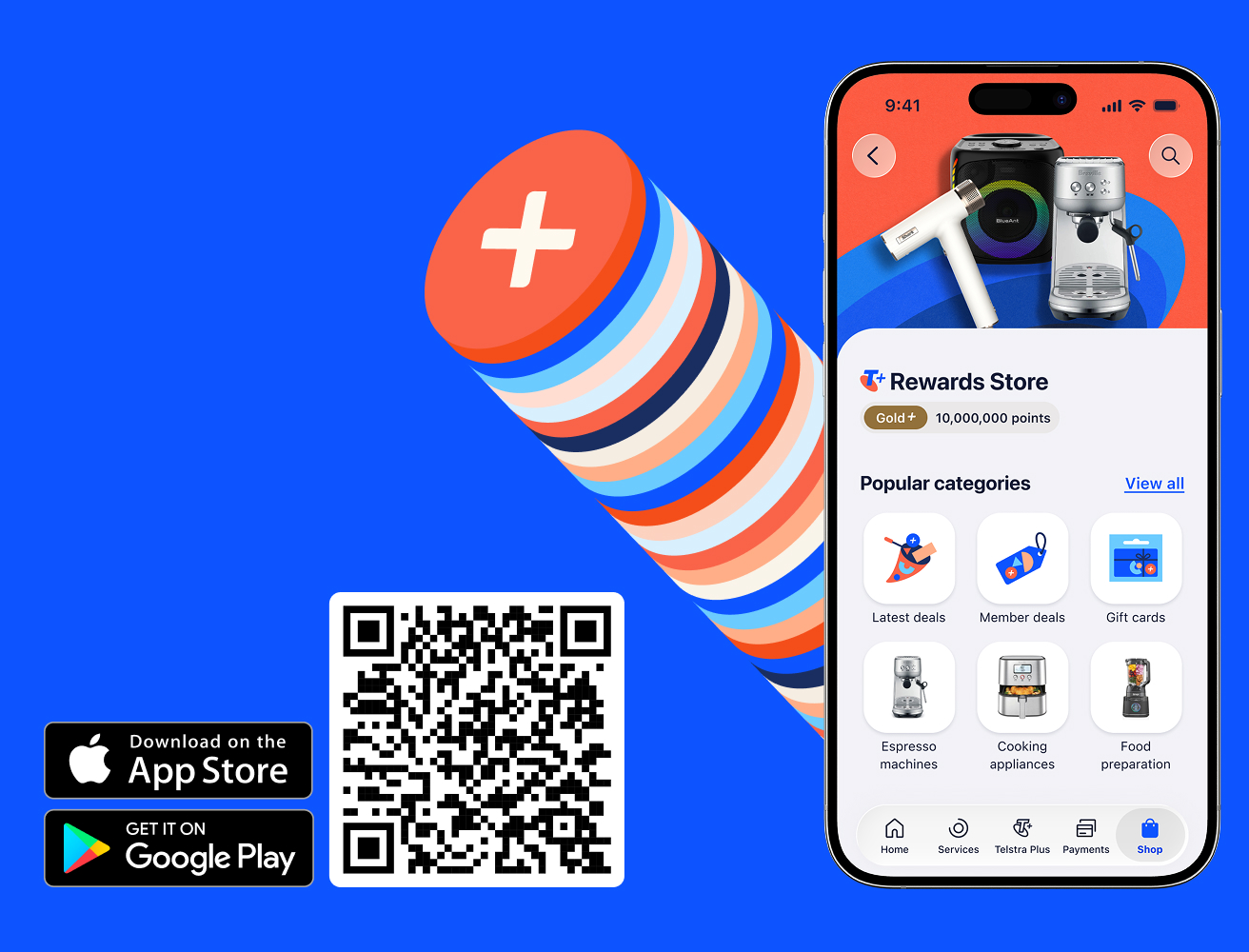
A smartphone displays the Telstra Plus Rewards Store in the My Telstra app. Beside the phone is a Telstra Plus points graphic, a QR code and two small banners. One banner contains an Apple logo and the text: Download on the App Store. The other banner contains a Google Play logo and the text: Get it on Google Play.

You'll get more in the new Rewards Store

Celebrate with 10,000 bonus points

On your first purchase in our new, in-app Rewards Store.

Members get the best deals

Enjoy exclusive member pricing on a wide range of products.

Use points, cash or both

Pay with cash or save even more when you use points or Points + Pay.

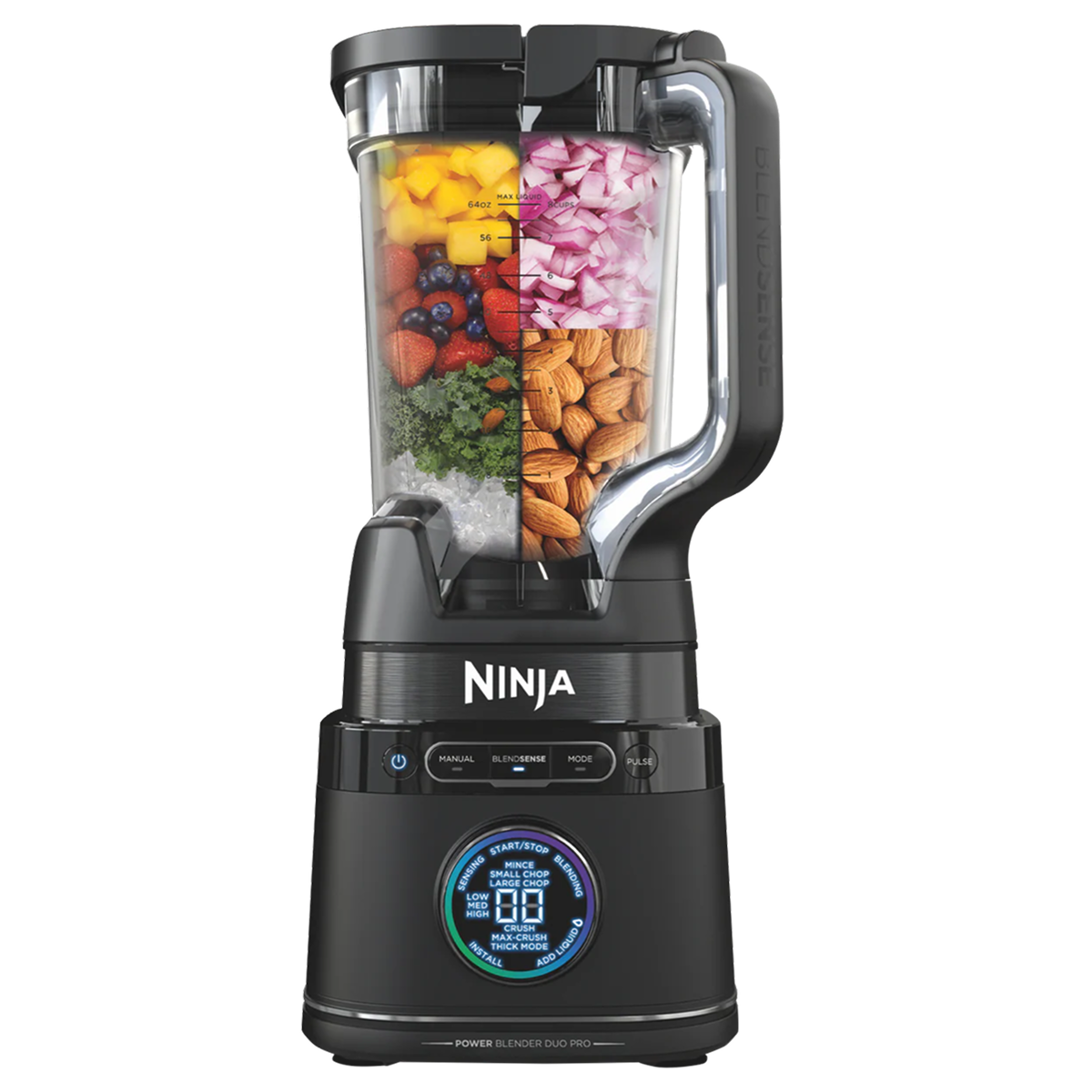
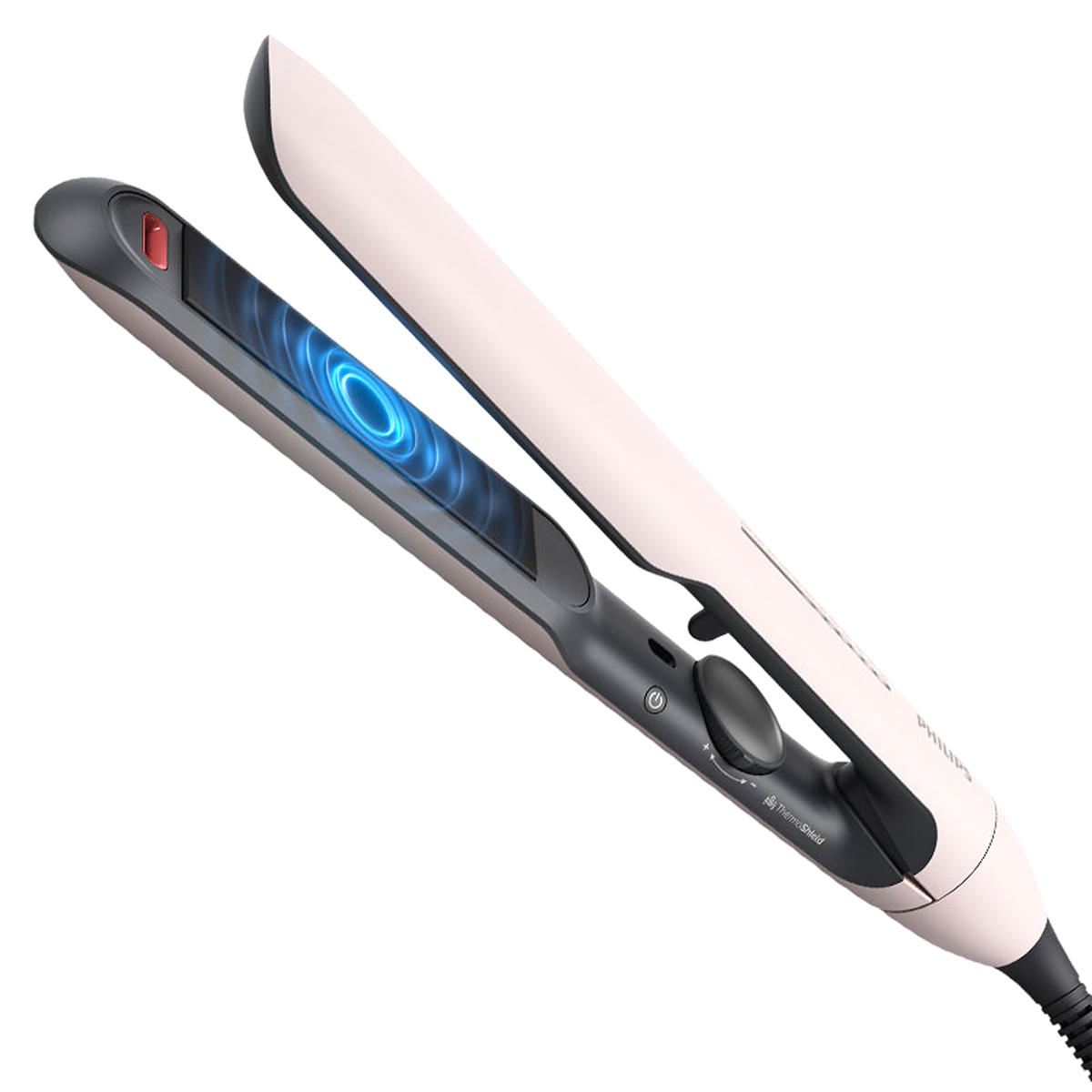
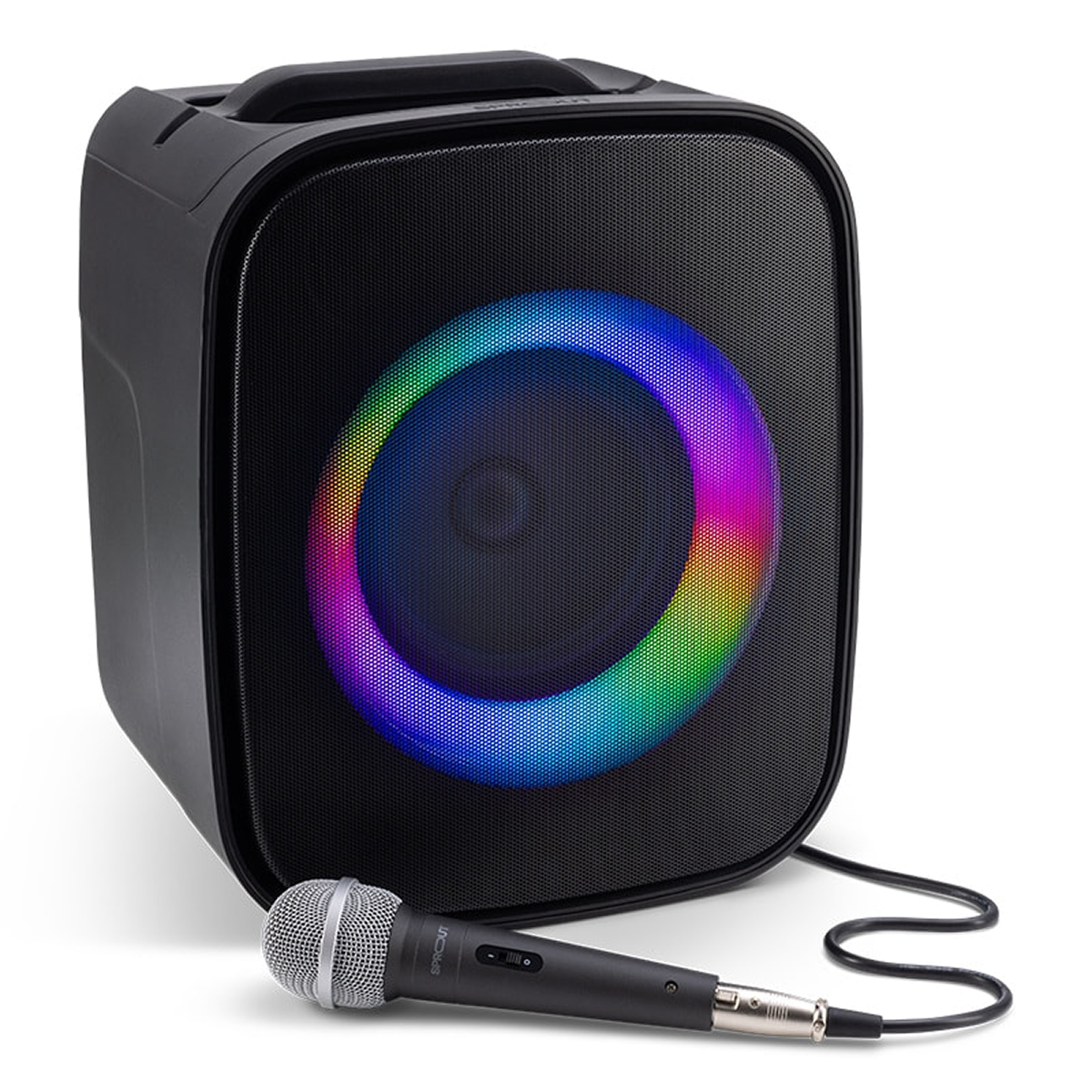
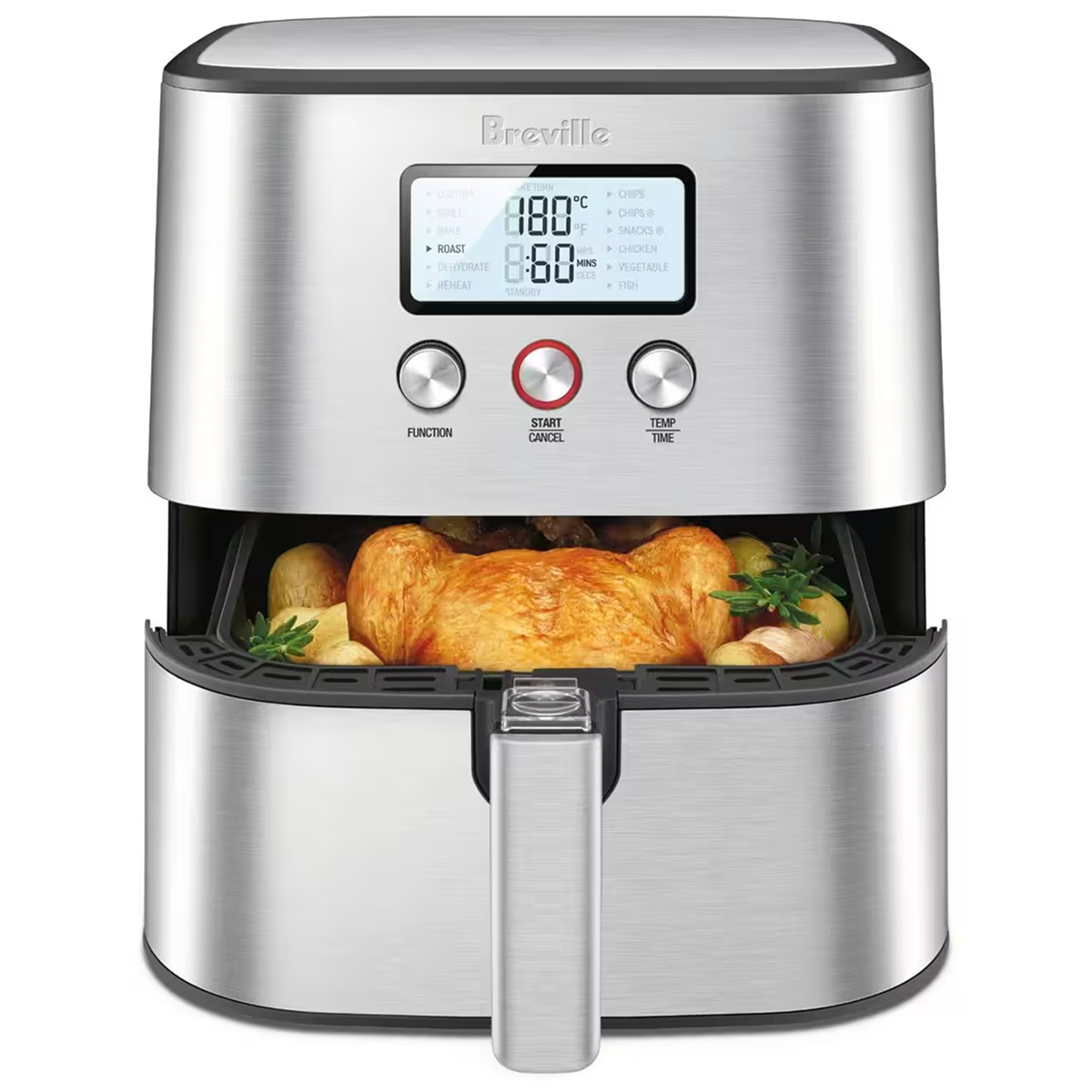
Shop our biggest range yet

Browse thousands of products from our trusted partners.

How to explore our new in-app store

  1. Open the My Telstra app (latest version required).
  2. Sign in with your Telstra ID. If you don’t have one, you can register for a Telstra ID.
  3. Go to the Shop tab, then scroll down and select the Telstra Plus Rewards Store panel to enter the store.

Need help getting the My Telstra app or signing in with your Telstra ID? Check out our My Telstra app help page.
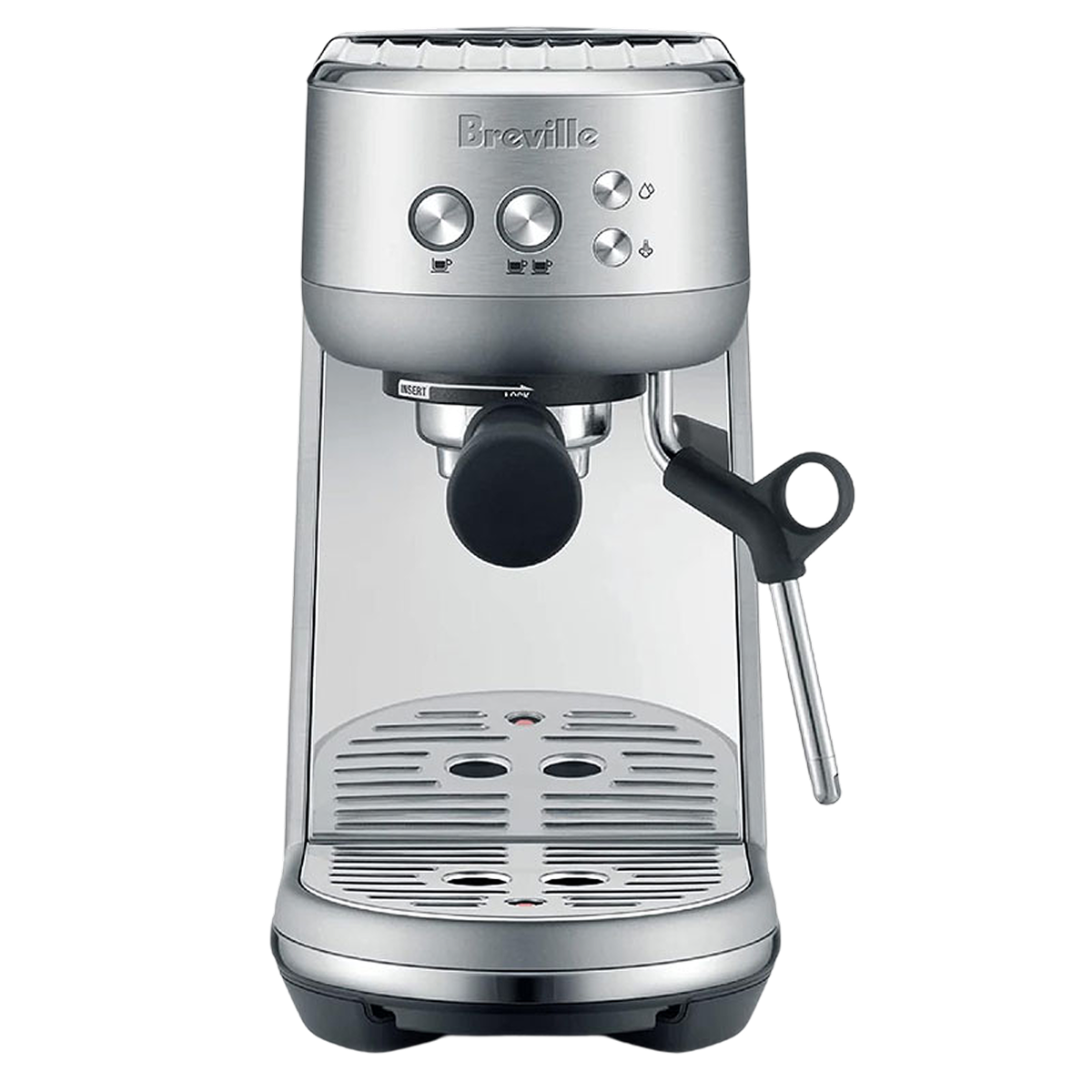
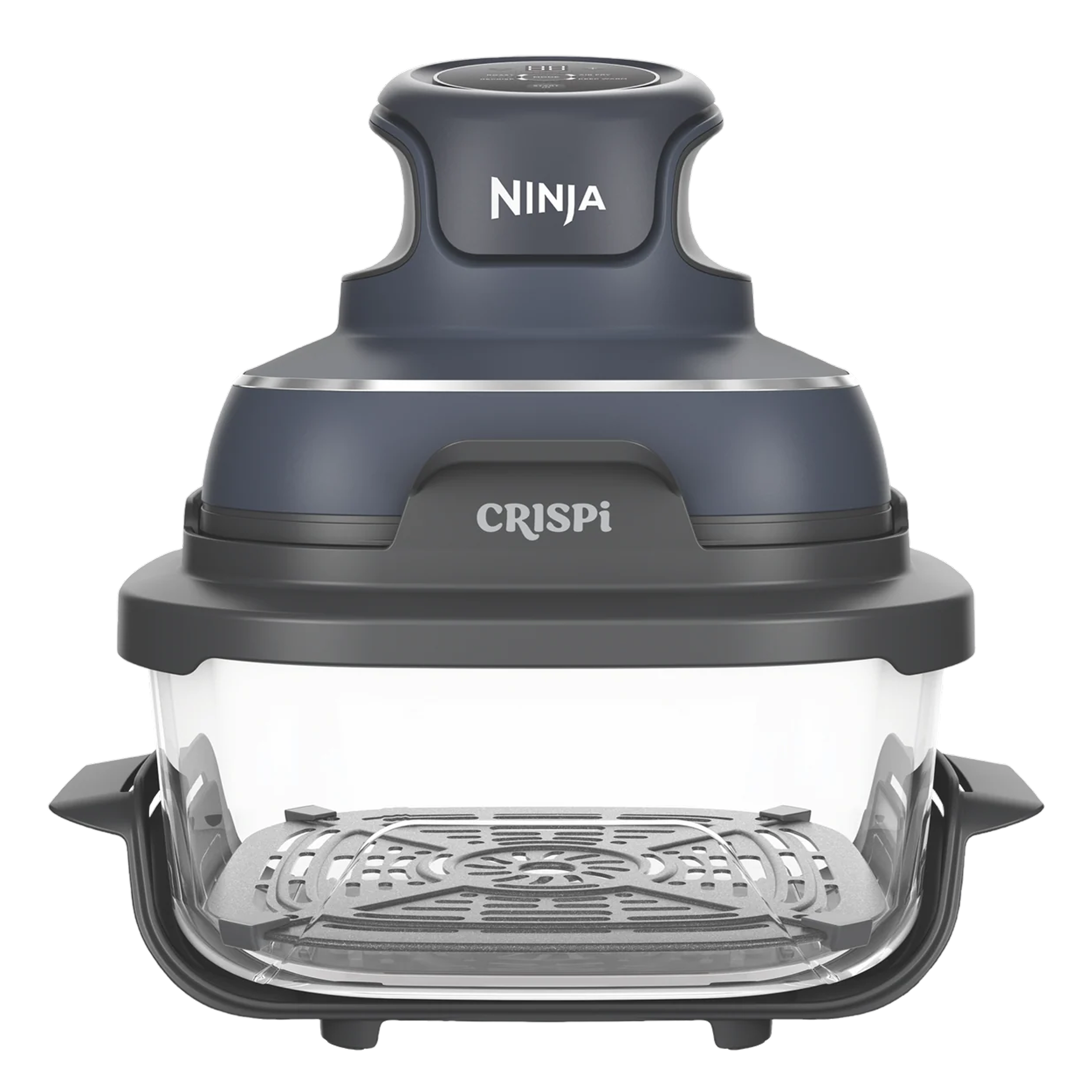
Choose from our biggest range ever

Shop leading brands

Choose how to shop accessories

Shop online

Shop in the app

Frequently asked questions

No, as of October 20th, Our Telstra Plus Rewards Store has moved exclusively into the My Telstra App. You can still use your points on any available product on Telstra.com.

No, our new Telstra Plus Rewards Store, In My Telstra is open for Telstra Plus members, and non members to purchase any products they want. You just need the My Telstra App and a TDI.

Yes, you can use your points in the new rewards store in My Telstra, and you can continue to use your Telstra Plus points on Telstra.com, over the phone, messaging and in your local store.

Yes, the Rewards store is in My Telstra, free to access and it is free to be a Telstra Plus member.