
Fun mode: activated. A week one checklist for Apple Watch with a Telstra Watch Plan. Dedicated to you and your little superhero.
Telstra Watch Plan: Is it right for your child?
A smartphone can feel like too much, too soon - but you still want to stay in touch. A Telstra Watch Plan is one way to bridge that gap. So, what is it, and could it be right for your child?
3 minute read

Get more independence for those little wrists
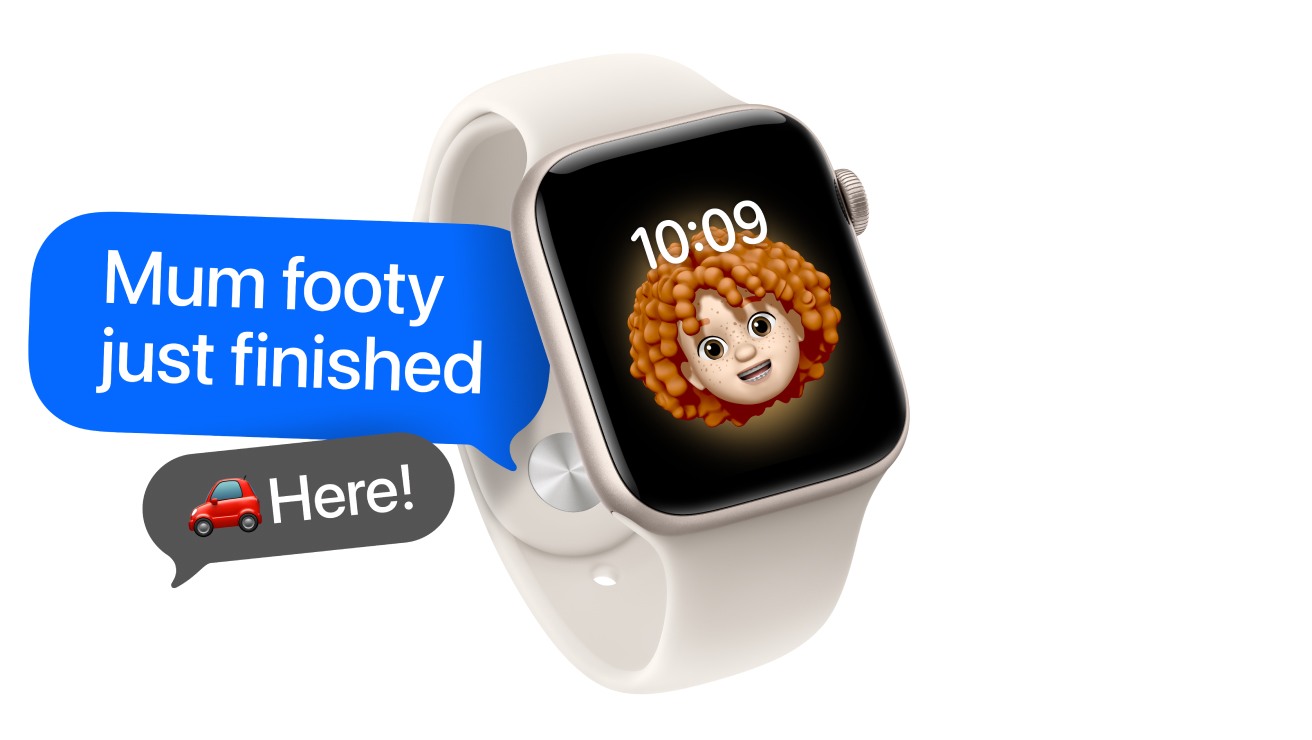
A Telstra Watch Plan gives your child’s compatible cellular Apple Watch its own number and connection on the Telstra mobile network, all neatly linked to your Telstra account. With their own Apple Account set up, they can be connected from their wrist – without giving them a phone.
Your kids can:
Call and message as they please – as long as you have coverage, an active plan and a charged device.
Be reachable throughout the day
Share their location
And for you, it keeps life nice and simple:
Everything can be managed in one place
One easy‑to‑track bill
Reliable coverage across Australia
Want to keep in touch beyond your phone?
With a Telstra Watch Plan, your Apple Watch gets its own mobile number. That means it can make and receive calls and texts, even when your phone isn't nearby.
Both the plan and Apple Watch are managed via your iPhone, making set up simple.
Once the Apple Watch is connected, your child can call, message and share their location straight from their wrist. So, even if they’re at school or out with friends, you can get in touch.
Why families are making the switch
Many families are looking for ways to get connected without introducing a full-featured device too early.
As children start spending more time out and about, it helps to have a straightforward way to coordinate plans, check in, or reach them quickly if needed.
A smartwatch with its own connection keeps communication accessible – without the added complexity or distractions that can come with a phone.
And, because it’s on their wrists, it’s more likely to be with them when it counts.
Telstra Watch Plan or Telstra One Number – what's the difference?
If you’ve been researching smartwatch options for your family, you’ve probably come across Telstra One Number and the Telstra Watch Plan along the way. They can be a bit confusing at first glance; don’t worry we’ll break it down.
Both options connect a watch to the network, but they’re designed for different situations.
Telstra One Number links your smartwatch to your existing mobile service, so your watch shares the same number as your phone. It’s great if you want to leave your phone behind while out for a run, at the gym or on the go, and still be able to make calls and send messages.
Telstra Watch Plan gives the watch its own number and connection. This means it works independently, making it a better fit for kids and family members who won’t have their own phone but still need a way to get in touch.
More freedom, with you in the loop
As your child’s world expands, staying in touch becomes an important part of everyday life.
A smartwatch with its own plan offers a balanced approach, giving them more freedom while keeping communication close at hand. It fits naturally into your kids’ routine, without moving to a smartphone before you or your children are ready.
And if you’re still exploring what might suit your family, you can learn more about an Apple Watch For Your Kids or take a closer look at our Telstra Watch Plan.
Frequently asked questions
Yes, with a Telstra Watch Plan, an Apple Watch can function without being connected to a phone. The watch has its own mobile connection and number, which means your child can make calls, send messages and share their location straight from their wrist.
You’ll still use your iPhone to set it up and manage things like contacts, parental controls and other settings, but once it’s up and running, your child doesn’t need a phone with them to keep in contact.
Yes, the watch can connect just like a phone would, as long as there’s network coverage.
It’s important to remember that school policies can vary. Some schools allow smartwatches for safety and communication, while others may have rules about when they can be used (for example, only outside of class time). It’s a good idea to check your school’s guidelines so expectations are clear.
In some cases, a quick email to the school can help clarify how the watch will be used, especially with features like Apple Watch’s Schooltime helping limit distractions during the day.
You can. Apple Watch includes location sharing, which lets you see where your child is when needed – as long as there’s network coverage.
Using your iPhone, you can view their location in real time to check they’ve arrived safely or find them if plans change. You can also set up arrival alerts for places like school or swimming class - an easy way to keep connected without constant check-ins.
Of course. When setting up your child’s Apple Watch, you can choose who they’re able to contact. This means you can approve a list of trusted contacts (like family members), helping ensure your child can get in touch with the right people while keeping things safe.
A watch plan that lets your kids fly solo
While you run the flight deck. Our plan features its own number, unlimited calls/texts, 2GB data and data sharing.
Explore more on these topics
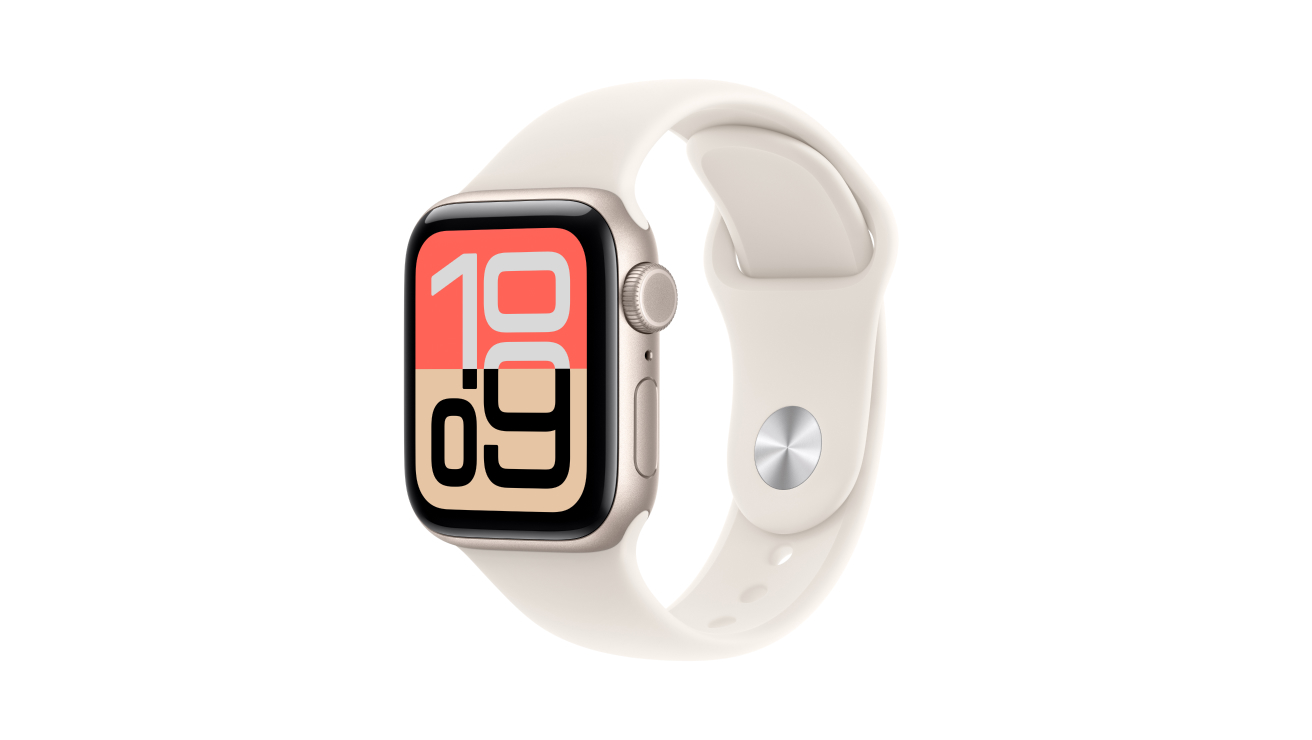
Apple Watch For Your Kids
Enough independence before they go full digital.
Meet Apple Watch For Your KidsWe also recommend
-
-
Looking to get more from your Google Pixel 11? Explore a range of accessories designed to enhance your Pixel experience, from durable cases to premium earbuds and smartwatches.
-
We've curated the best accessories for your Samsung Galaxy S25, combining style and practicality to enhance your device. Shop top picks for cases, protection and more.