Foo Fighters Take Cover Tour - Telstra Plus

Foo Fighters

Rock icons Foo Fighters bring their Take Cover Tour to Australia. Get exclusive pre-sale access to tickets.
For Telstra Plus members only. Eligibility criteria apply to join Telstra Plus.
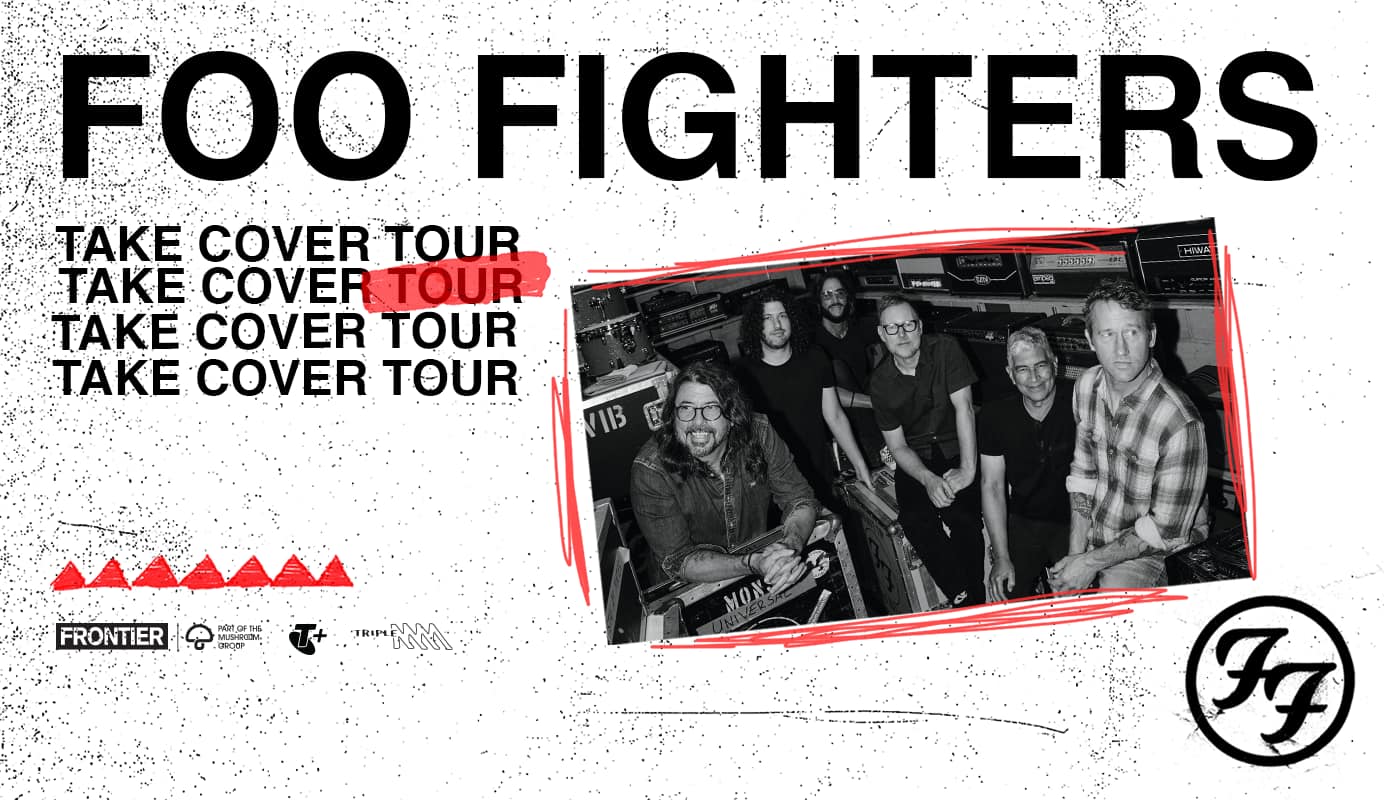
Foo Fighters - Take Cover Tour - Frontier Part of the Mushroom Group, Telstra Plus, Triple M and Foo Fighters Logos

Pre-sale opens in

About the Take Cover Tour

Foo Fighters return to Australia this November, off the back of an historic sold-out one night only concert in Launceston in January. Foo Fighters will play Brisbane, Townsville, Sydney, Newcastle, Melbourne, Adelaide and Perth for their Take Cover Tour! Don’t miss out on your chance to see the iconic band live.

About Foo Fighters

One of the biggest and most beloved rock bands of all time – Rock and Roll Hall of Fame Inductees Foo Fighters – make their hugely anticipated return to Australia and New Zealand next summer. Celebrating their long-standing love of both countries, the band’s return marks another major chapter in their ongoing global touring legacy, as they bring their unparalleled live show to stadiums in Brisbane, Townsville, Sydney, Newcastle, Melbourne and Adelaide this November 2026, followed by Christchurch, Auckland and Perth in January 2027.

Prepare for the pre-sale now

Get set ahead of the pre-sale by ensuring you have your Telstra ID sign in details ready to go. 

Pre-sale tickets are only available through the tour’s authorised ticketing agency AXS - to get ready, log in or create an AXS account ahead of time.

Not a Telstra Plus member?

To access this pre-sale, you must be a Telstra Plus member. It’s free to join.


Eligibility criteria apply to join Telstra Plus.

How to purchase your tickets

This pre-sale is open to Telstra Plus members only.

At times of high demand, you’ll enter our waiting room to gain access to the pre-sale queue on our ticketing partner’s website. Access to our ticketing partner’s queue will be given up to 30 minutes before the pre-sale starts.

Be ready to sign in

Even if you’re already signed into the My Telstra app or Telstra Plus webpages, you’ll need to sign in again with your Telstra Plus ID when you progress to our ticketing partner’s website. So make sure you have your Telstra ID details ready to go!

  1. Choose show location

  2. Take your spot in the queue

  3. Choose show date and time

  4. Sign in to Telstra Plus

Locations to see Foo Fighters

Queensland

Brisbane, Suncorp Stadium

Pre-sale starts Friday 20 February at 1pm AEDT / 12pm AEST.

Show times: 

  • 7pm 5th November 2026

Queensland

Townsville, Country Bank Stadium

Pre-sale starts Friday 20 February at 1pm AEDT / 12pm AEST. 

Show times: 

  • 7pm 7th November 2026

New South Wales

Sydney, Accor Stadium

Pre-sale starts Friday 20 February at 12pm AEDT.

Show times: 

  • 7pm 10th November 2026

New South Wales

Newcastle, McDonald Stadium

Pre-sale starts Friday 20 February at 12pm AEDT.

Show times: 

  • 7pm 12th November 2026

Victoria

Melbourne, Marvel Stadium

Pre-sale starts Friday 20 February at 11am AEDT.

Show times: 

  • 7pm 14th November 2026

South Australia

Adelaide, Coopers Stadium

Pre-sale starts Friday 20 February at 12:30pm AEDT / 12pm ACST.

Show times: 

  • 7pm 17th November 2026

Western Australia

Perth, HBF Park

Pre-sale starts Friday 20 February at 3pm AEDT / 12pm AWST.

Show times: 

  • 7pm 25th January 2027

FAQs

Purchase of Telstra tickets is strictly subject to availability during sale window. Ticket prices and the ticket purchase terms, including ticket limits, are available on the ticket partners' websites. Offer only available for Telstra Plus members.

Check the Telstra Plus Tickets pre-sale Terms and Conditions for full details.

What is a pre-sale
Publisher:
Telstra
Name:
Foo Fighters Take Cover Tour - Telstra Plus
Copyrighted By:
Telstra
Family Friendly:
Yes
Language:
English

A pre-sale is an opportunity to secure tickets prior to the general public, not a preferential seating service.

For tour information including accessibility details please see FAQ’s at Frontier Touring.

  • Make sure you follow the steps above to have your Telstra ID ready and you are a Telstra Plus member.
  • Check your ticket platform account (AXS) and make sure your details are up to date including password.

  • Ticket platforms advise to not use multiple devices, browsers or tabs as using more than one may cause errors.
  • The waiting room on ticket platforms is not a queue. The waiting room is a holding area – getting there 30 minutes before is no different to joining 1 minute before the pre-sale starts.
  • Don’t refresh your page or close your browser.
  • Have your phone handy if a verification may be required during ticket platform sign in
  • For all ticket and transaction queries, please contact the relevant ticket agency,  AXS.

At times of high demand, you may be placed in a queue before and during a pre-sale window. 

Simply follow the pre-sale process by choosing your preferred show location and take your spot in the queue.

We’ll automatically take you to the next step once it’s your turn, then you will select the show you want to attend, sign into Telstra Plus, and continue the process on the Ticket agency platform. 

No. You keep your place in line even if your phone goes to sleep or you minimise the queue page. When you go back to the queue page you will see updated progress. Keep an eye on your queue progress because when it's your turn you will have a limited window of time to enter the website. The only time you will lose your place is if you exit the window on your phone or computer.

If you have the queue page open when it's your turn you will automatically be redirected to the website, you originally wanted to visit. If you do not have the queue page open when it's your turn you will see a pop-up when you return to the queue page, notifying you when your turn started and confirming you want to proceed to the website.

When a queue is paused, no one will be redirected to the website, so everyone will be kept in the queue until it is resumed. The queue can be paused for business or technical reasons. When the queue resumes you will keep the same place in line.

First time using AXS?

Complete this process before pre-sale day.

Head to your mobile device’s app store (iOS or Android) to download the AXS app 

After the app is installed:
  1. Open the app and hit the main menu button 
  2. Click CREATE ACCOUNT
  3. Fill in your details

You’ll get an email to confirm that you’re all set!

On pre-sale day, make sure you are logged into AXS.

See the AXS FAQs or contact their customer support team.